How to Reset Oil Change Light on Toyota RAV4 All Generations
The oil change reminder light on your Toyota RAV4 is part of the vehicle’s maintenance monitoring system, designed to alert you when it’s time to service the engine oil. After performing an oil change, this light must be manually reset — it does not reset itself automatically. Whether you drive a first-generation RAV4 from the mid-1990s or the latest fifth-generation model, the reset procedure varies slightly depending on the year and trim. This guide covers every generation with step-by-step instructions so you can confidently reset the maintenance light without visiting a dealership.
Understanding the Oil Change Light on Toyota RAV4
Toyota uses two types of maintenance reminder systems across RAV4 generations. Older models (1994–2005) use a simple time/mileage-based interval light, while newer models (2006–present) use the Toyota Maintenance Reminder System (TMRS) or the multi-information display (MID) with an oil life monitor. The light typically appears as a wrench icon, an oil can symbol, or the text ‘MAINT REQD’ on the instrument cluster.
Reset Oil Change Light: RAV4 First Generation (1994–2000) XA10
The first-generation RAV4 does not have a dedicated oil life monitor. Oil change intervals were tracked manually. However, some models equipped with an aftermarket or dealer-installed reminder system may have a small reset button near the instrument cluster. For stock XA10 models, no reset procedure is required — simply follow manufacturer intervals of every 3,000–5,000 miles depending on oil type.
Reset Oil Change Light: RAV4 Second Generation (2001–2005) XA20
The XA20 generation introduced a basic maintenance reminder light labeled ‘MAINT REQD’. Follow these steps to reset it:
- Turn the ignition to the OFF position.
- Press and hold the trip meter reset button on the instrument cluster (the small stem knob).
- While holding the button, turn the ignition to the ON position (do not start the engine).
- Continue holding the button for approximately 5 seconds until the odometer display shows dashes or zeros, then the light turns off.
- Release the button and turn off the ignition.
Reset Oil Change Light: RAV4 Third Generation (2006–2012) XA30
The XA30 uses the same ‘MAINT REQD’ light system. The reset procedure is identical to the XA20:
- Turn the ignition to OFF.
- Press and hold the odometer/trip reset button.
- Turn the ignition to ON (position II) without starting the engine.
- Hold the button for 5 seconds until the maintenance light flashes and then goes out.
- Release the button and confirm the light is off.
- If the light remains, repeat the procedure — ensure you are pressing the correct button (trip reset, not the display toggle).
Reset Oil Change Light: RAV4 Fourth Generation (2013–2018) XA40
The XA40 generation introduced a more advanced multi-information display (MID). The reset method depends on whether your vehicle has the basic cluster or the MID screen.
Method 1 — Trip Reset Button (all XA40 trims):
- Turn the ignition to OFF.
- Press and hold the ODO/TRIP button on the instrument panel.
- Turn the key to ON without starting the engine.
- Keep holding for 5 seconds. The ‘MAINT REQD’ light will blink and extinguish.
Method 2 — Multi-Information Display (MID-equipped XA40):
- Turn the ignition to ON.
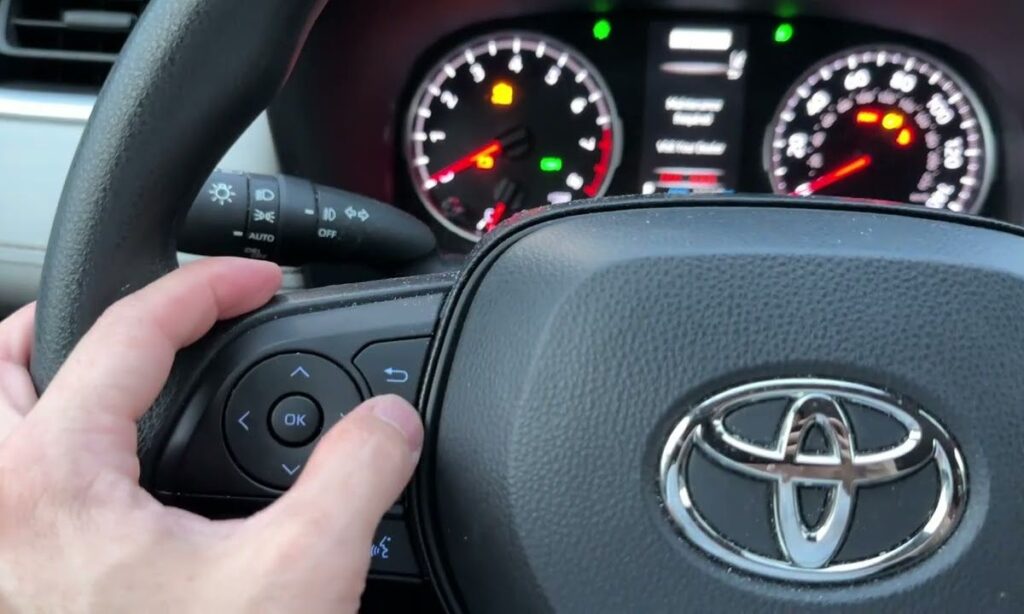
- Use the steering wheel left stalk controls to navigate to the vehicle settings or maintenance menu on the MID.
- Select ‘Oil Maintenance Reset’ or ‘Maintenance Reset’.
- Press and hold OK or the center button for 3 seconds to confirm the reset.
- The display will confirm the reset and the light will turn off.
Reset Oil Change Light: RAV4 Fifth Generation (2019–Present) XA50
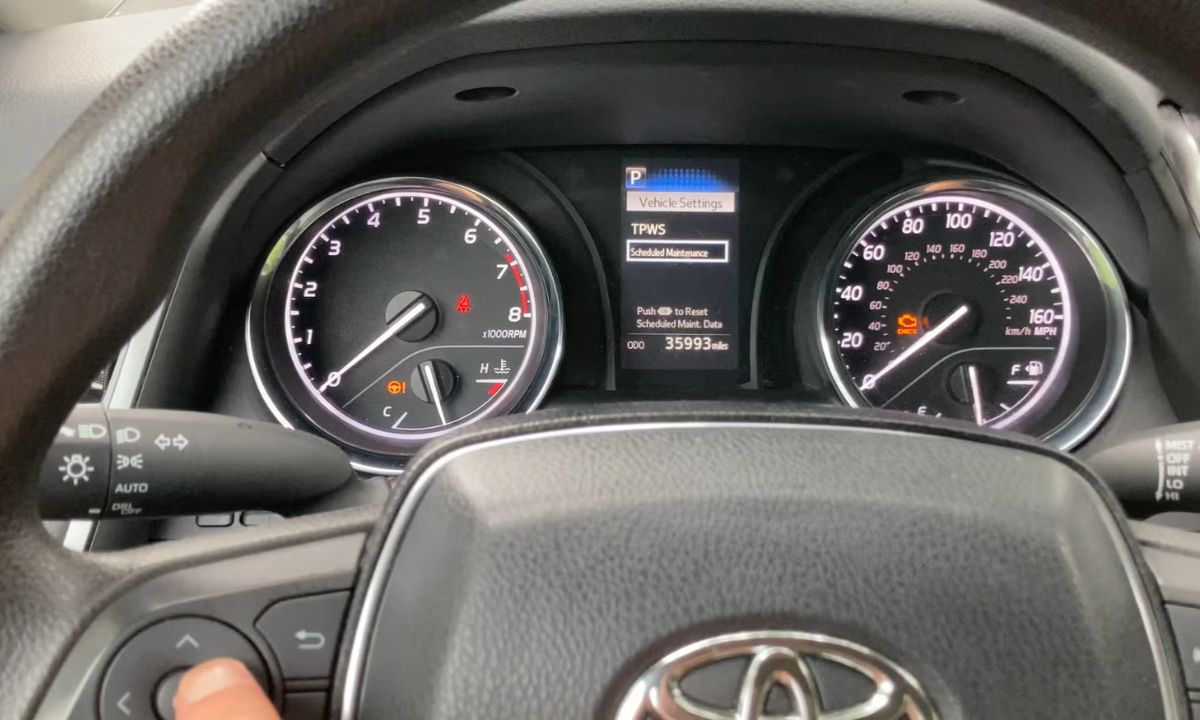
The XA50 RAV4 (including RAV4 Hybrid and RAV4 Prime) features a fully digital or semi-digital instrument cluster with a 4.2-inch or 7-inch MID screen. The oil change light reset is performed through the display system.
Method 1 — Steering Wheel Controls (standard cluster):
- Turn the ignition to ON (or press the Start button once without pressing the brake).
- Use the left-side steering wheel control (up/down arrows) to scroll through the MID until you reach the vehicle settings or maintenance screen.
- Navigate to ‘Oil Maintenance’ and select it.
- Press and hold OK for 3–5 seconds until the system confirms the reset.
Method 2 — Trip Reset Button (if MID controls are unavailable):
- Switch the ignition to OFF.
- Locate the trip meter button on the cluster (left side, below the speedometer).
- Press and hold the button while turning the ignition to ON.
- Hold for 5 seconds until the maintenance light flashes three times and turns off.
RAV4 Hybrid / RAV4 Prime specific note: On hybrid models, press the Power button once without pressing the brake pedal to enter ON mode. Follow the same MID navigation as above. The oil life percentage will reset to 100% upon successful completion.
Common Issues When Resetting the Oil Change Light
- Light comes back on immediately: This usually means the reset was not completed fully. Repeat the procedure and hold the button for the full 5 seconds.
- Wrong button pressed: On XA30 and XA40 models, confusing the display toggle button with the trip reset button is common — the reset button is the smaller stem or knob, not the flat button.
- Battery was recently disconnected: If the vehicle battery was disconnected, the light may illuminate as part of a system check — perform the reset procedure again after the vehicle has been driven for a short distance.
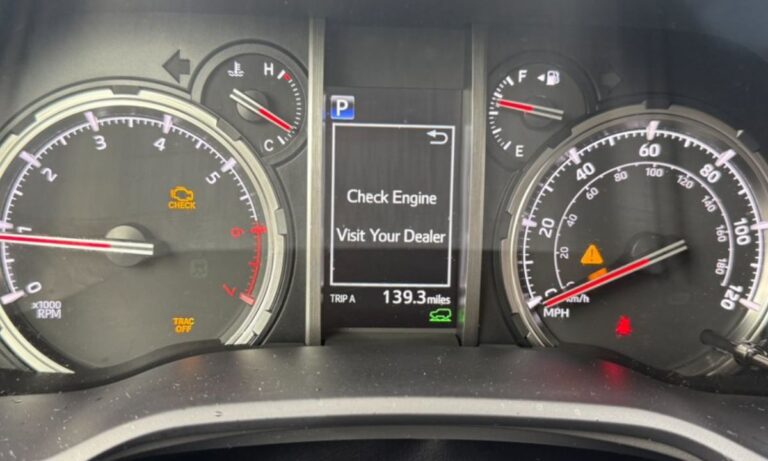
- Light is not ‘MAINT REQD’ but a check engine light: If the illuminated light is the check engine or oil pressure warning (red oil can), do not confuse it with the maintenance reminder. A red oil light indicates a serious issue requiring immediate diagnosis with an OBD-II scanner.
Toyota RAV4 Oil Change Intervals by Generation
- XA10 (1994–2000): Every 3,000–5,000 miles with conventional oil; every 5,000–7,500 miles with synthetic blend.
- XA20 (2001–2005): Every 5,000 miles conventional; every 7,500 miles synthetic blend.
- XA30 (2006–2012): Every 5,000 miles or 6 months with conventional oil; every 10,000 miles with full synthetic (Toyota recommendation).
- XA40 (2013–2018): Every 10,000 miles or 12 months using Toyota Genuine Motor Oil 0W-20 full synthetic.
- XA50 (2019–present): Every 10,000 miles or 12 months with 0W-16 or 0W-20 full synthetic oil per Toyota specification.