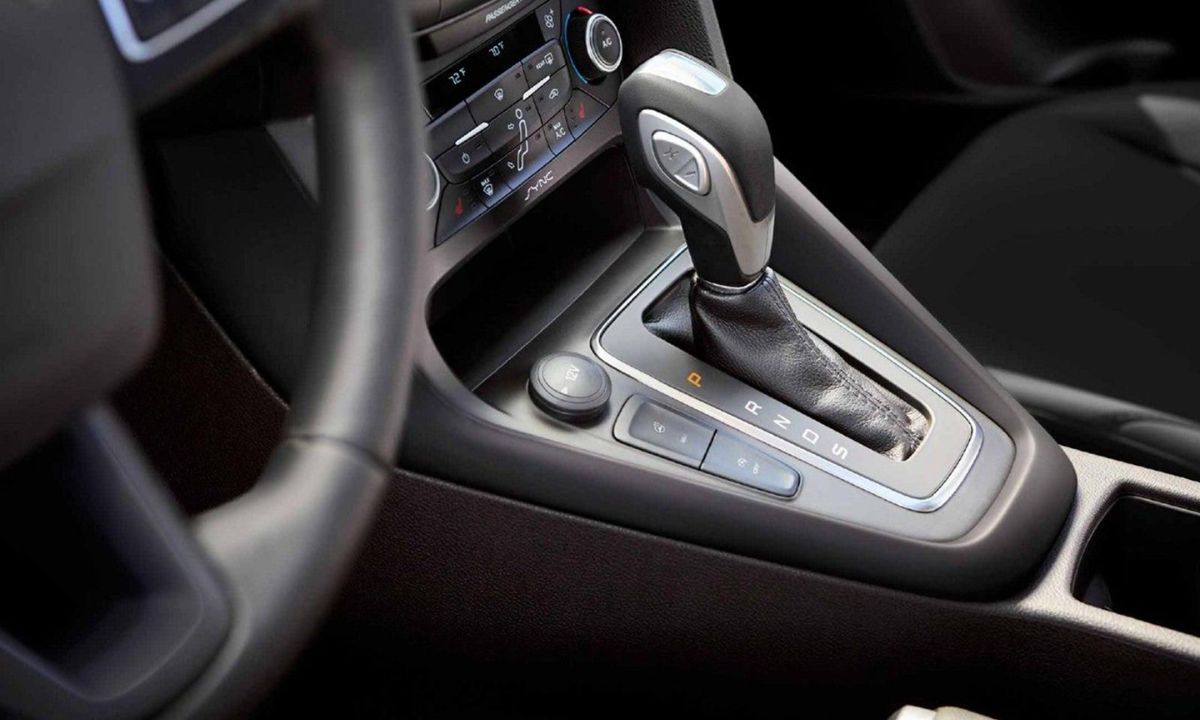
Reset oil service reminder on Ford vehicles: step-by-step guide
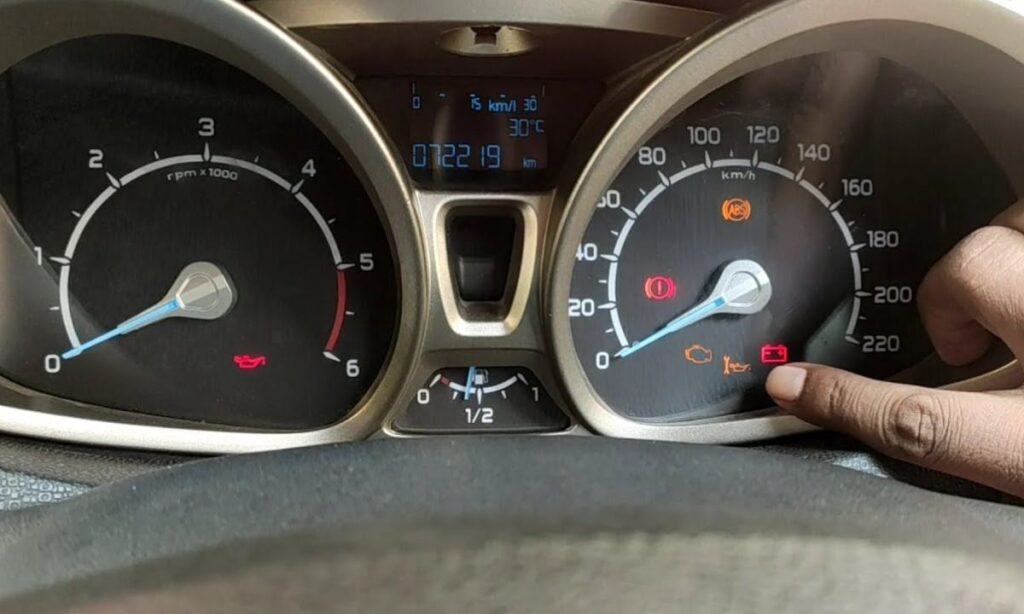
Ford vehicles feature an oil life monitoring system that alerts drivers when an oil change or routine service is due. This reminder often appears as “Oil Change Required” or “Service Due” on the dashboard. Resetting it after maintenance ensures accurate tracking and prevents false warnings.
The process varies by model, year, and ignition type (key or push-button). “Oil service reminder” typically covers the oil life interval, but in Ford systems, it may reset inspection reminders too. Below are instructions for common methods.
Method 1: pedal press reset (Most 2011–2025 models like F-150, Escape, Explorer, Focus, Mustang, Edge)
This is Ford’s standard manual reset for the Intelligent Oil-Life Monitor.
- Turn the ignition to ON (engine off).
- Push-button: Press START/STOP without brake (accessory mode).
- Fully depress and hold both the accelerator (gas) pedal and brake pedal.
- Hold for 20–30 seconds until “Oil Life Reset” or a confirmation message appears (may flash or show 100%).
- Release pedals, turn ignition OFF for 10 seconds, then restart to verify.
Notes: Effective on recent Fords; if no message, try Method 2.
Method 2: Steering wheel / menu Reset (2013+ Models with digital displays like F-150, Explorer, Edge, Mustang)
- Ignition ON (engine off).
- Use steering wheel arrows to go to Settings > Vehicle > Oil Life or Maintenance.
- Select Reset Oil Life or Oil Life Reset.
- Hold OK button until confirmation (e.g., “Reset Successful” or 100% oil life).
- Turn off ignition, wait briefly, restart to check.
Notes: Common with SYNC 3/4; some 2020+ use Settings > General > Oil Life Reset Hold OK.
Method 3: Button hold reset (Pre-2011 models like Focus Mk2, Fusion 2006–2012, Escape 2008–2012)
- Ignition ON (engine off).
- Press and hold trip reset button (on cluster or wiper stalk).
- Cycle ignition OFF then ON while holding.
- Hold until “Oil Life Reset” or light flashes.
- Release, press briefly to confirm; restart to verify.
Notes: For older analog clusters.
Model-specific variations
- F-150 (2015–2025): Pedal press or menu (Settings > Vehicle > Oil Life Reset).
- Focus (2012–2018): Gas + brake hold for 20 seconds.
- Escape / Bronco Sport (2020+): Menu reset via Settings > Vehicle > Oil Life.
- Mustang / Explorer: Steering wheel OK hold similar to F-150.
Troubleshooting if reset doesn’t work
- Confirm service was done — systems may lock reset until mileage/time passes.
- Battery disconnect: Remove negative terminal for 10–15 minutes to reboot.
- Use scanner: FORScan or OBD-II tool for stubborn cases or adaptive intervals.
- Check faults: Low oil or sensor issues may retrigger the light.
Resetting the oil service reminder is a simple DIY step, taking less than a minute. Refer to your owner’s manual for exact details, or provide your Ford model/year for customized advice. Regular maintenance keeps your vehicle running smoothly!