Reset service on Camry / Aurion: Easy way to clear the maintenance light
The service reminder on your Toyota Camry or Aurion lights up unexpectedly and starts annoying you every time you start the engine. Many drivers see it after an oil change or routine maintenance when the warning stays on the dashboard. Resetting the service indicator takes just a couple of minutes and helps keep your car in perfect condition without unnecessary trips to the workshop.
Why the service reminder appears on Camry and Aurion
The monitoring system in these models tracks mileage and time since the last service. When the counter reaches a set value, the instrument panel displays “MAINT REQD” or a similar message. This is not a fault but a helpful feature that reminds you to replace oil, filters, and check important components.
The car looks after the engine and transmission, preventing premature wear. If you do not reset the indicator in time, it continues to glow, distracting you and reducing driving comfort. Resetting it after actual maintenance keeps the system accurate and extends the vehicle’s lifespan.
When to perform the service interval reset
It is best to carry out the procedure right after completing technical maintenance:
- Engine oil and oil filter replacement
- Checking levels of technical fluids
- Inspection of the brake system and suspension
- Replacement of the air or cabin filter if needed
If you changed the oil yourself, resetting is essential. Otherwise, the indicator will keep reminding you of a non-existent issue. The procedure works for most generations of Camry and Aurion with both classic instrument panels and modern multi-information displays.
Step-by-Step instructions for classic Camry and Aurion models
This method works on vehicles with a traditional ignition key and odometer button.
- Sit in the car and insert the key into the ignition.
- Turn the key to the ON position without starting the engine.
- Make sure the odometer screen shows the total mileage or Trip A.
- Turn the ignition off.
- Press and hold the odometer reset button (usually located near the instrument panel).
- While holding the button, turn the key back to the ON position.
- Keep holding the button for about 10 seconds until the display shows zeros or the indicator starts flashing.
- When you hear a beep or see flashing, release the button.
- Turn the ignition off and on again — the indicator should disappear.
If the message does not clear the first time, repeat the steps. Accuracy depends on having Trip A displayed before starting.
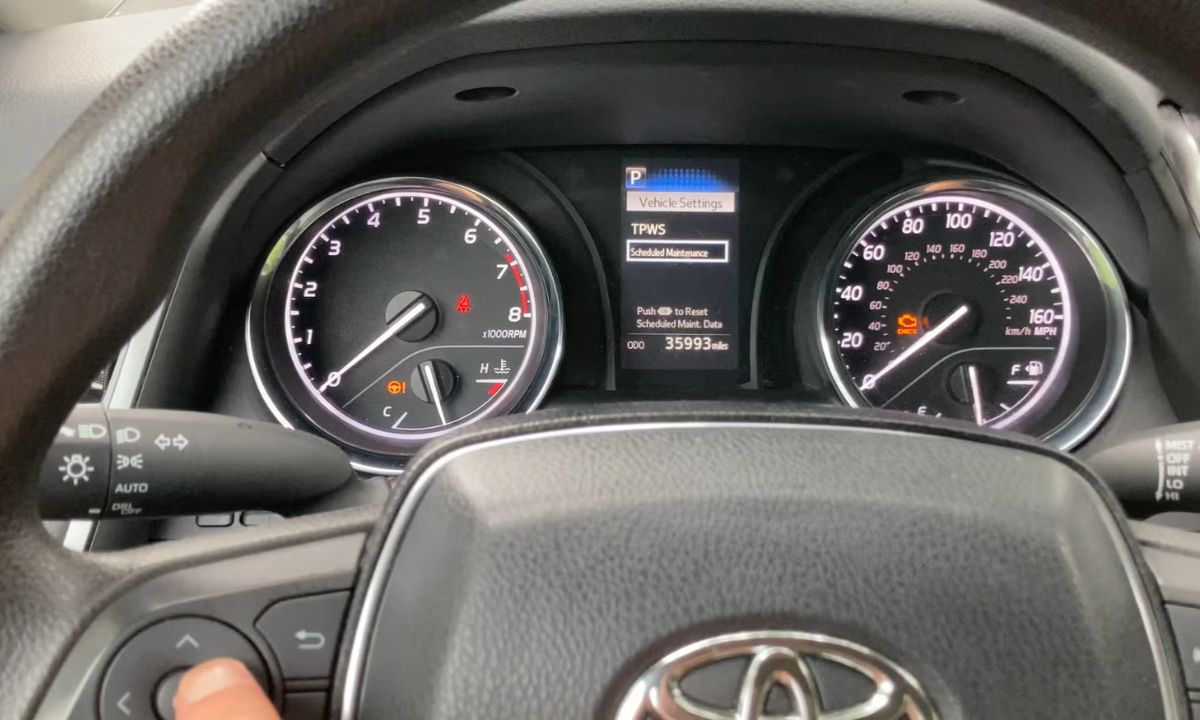
Resetting via the multi-information display menu on modern Camry and Aurion
Newer versions feature a convenient screen and steering wheel controls.
- Turn the ignition on without starting the engine.
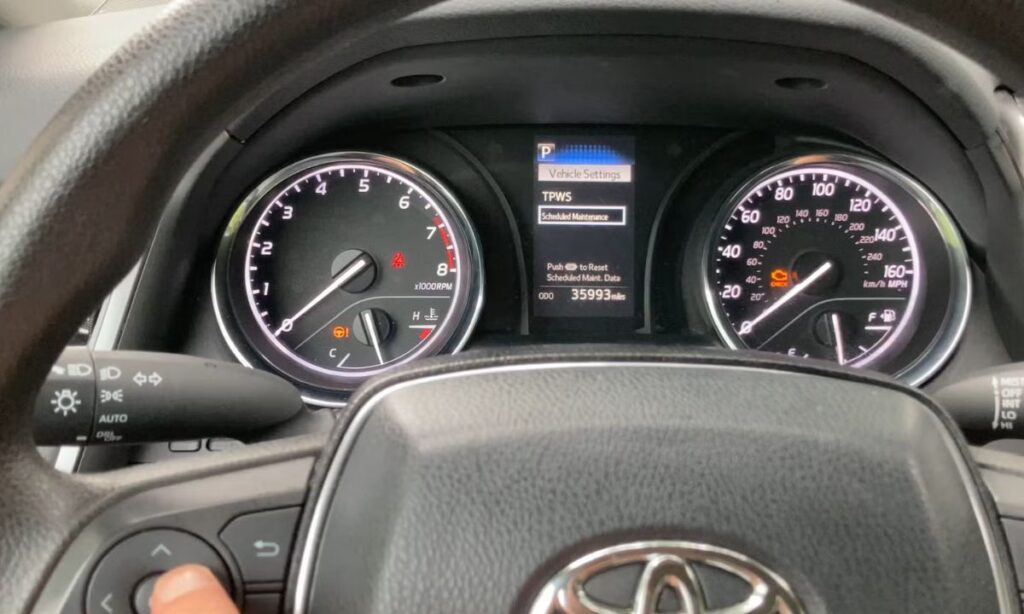
- Use the buttons on the steering wheel to go to the “Settings” or “Vehicle Settings” section.
- Find the “Scheduled Maintenance” or “Maintenance” option.
- Select the reset function and confirm the action.
- Wait for confirmation on the screen.
After this, the service message will disappear and the system will start counting anew. This method is especially convenient when there is no physical odometer button in the usual place.
Useful tips for successful reset
- Always perform the procedure with the engine off to avoid errors in the electronics.
- If the car has a push-button start, press the button twice without pressing the brake pedal to activate the instruments.
- Make sure Trip A is selected before beginning — this is a key point for many models.
- After resetting, drive a short distance and check that the indicator does not return.
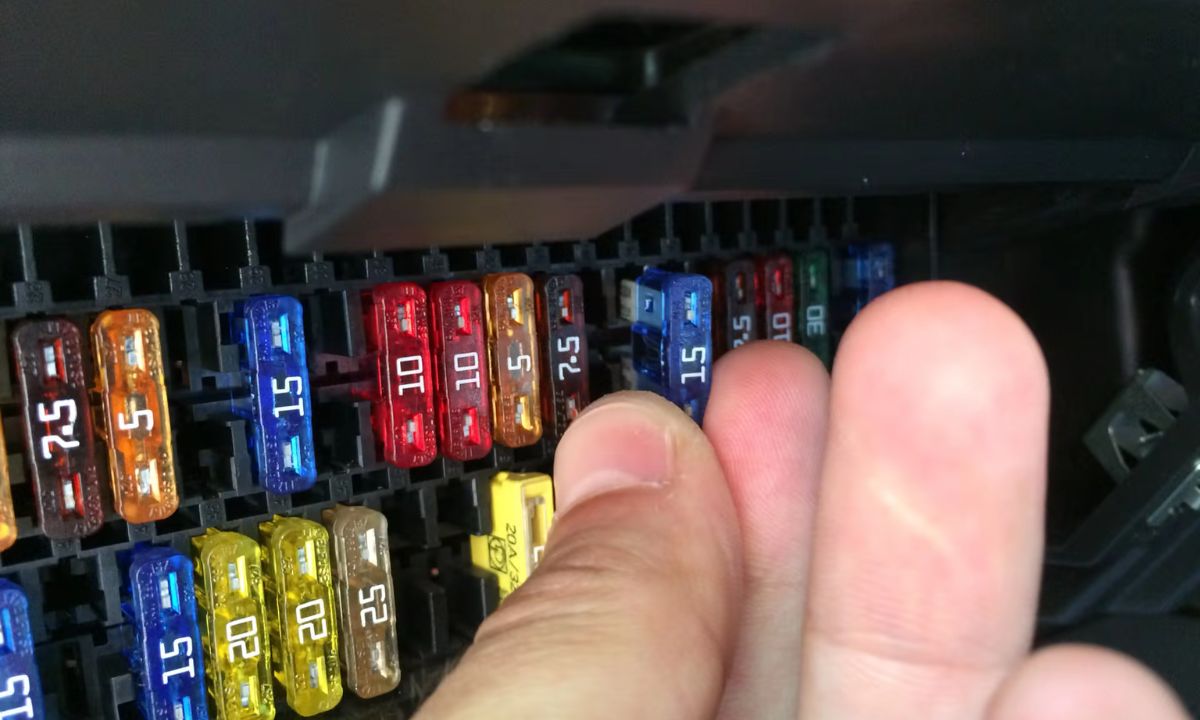
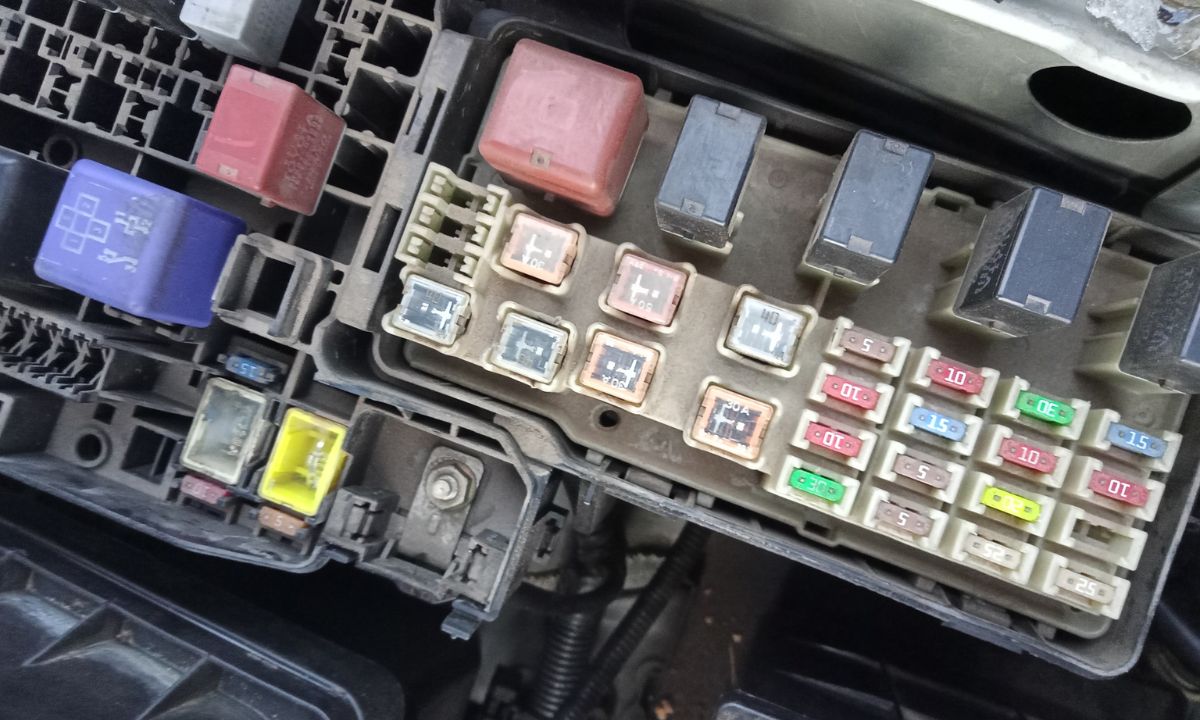
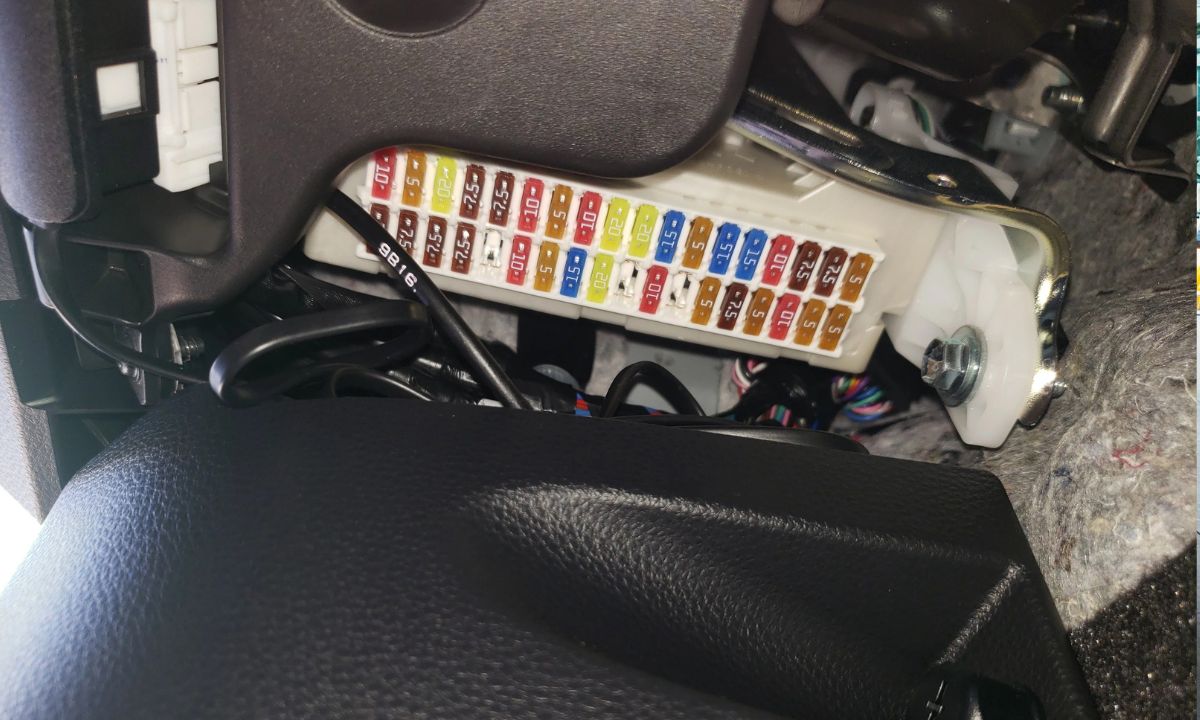
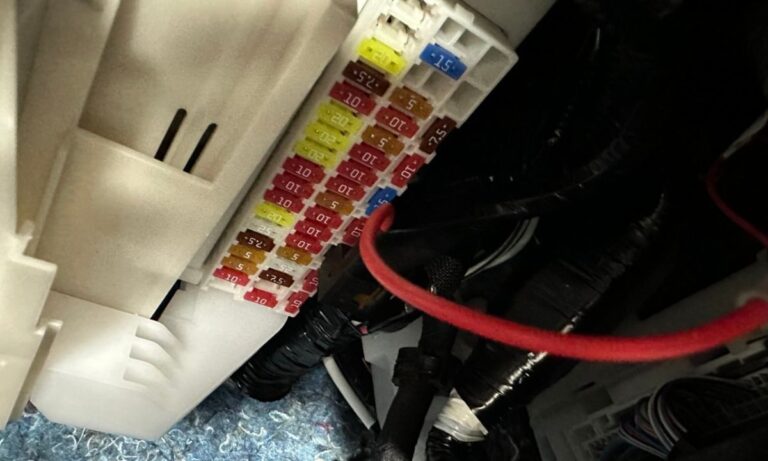
- In rare cases, the procedure needs to be repeated or fuses checked, but it usually works the first time.
These simple actions save time and restore confidence behind the wheel. Regular maintenance combined with proper resetting of the indicator helps prevent serious breakdowns in the future.
Possible nuances and what to do if it doesn’t work
Sometimes the indicator does not reset due to features of a specific trim level. Make sure the ignition is in the exact correct position and the buttons are pressed firmly. On some Camry and Aurion models, a combination of holding the button and switching the ignition several times helps.
If your own attempts do not succeed, refer to the official owner’s manual for your model. It contains the precise steps for your instrument panel. Do not ignore the message for too long — it is better to keep the system in good working order.
Resetting the service interval on Toyota Camry and Aurion is a straightforward operation that brings comfort and order back to the dashboard. Doing it correctly after every service extends engine life, saves money on unexpected repairs, and lets you fully enjoy the reliability of these Japanese cars in any conditions.