How to reset the service light and oil life reminder on Ford F-150 for 2009–present models
This comprehensive guide covers every major generation with exact, verified procedures I use daily in the shop. Only reset the oil life monitor after you’ve actually changed the engine oil and filter — never as a shortcut. All steps are performed with the engine off and ignition in the “ON” (RUN) position unless noted. Tools needed: none.
12th Generation F-150 (2009–2014) – Button-Controlled Cluster
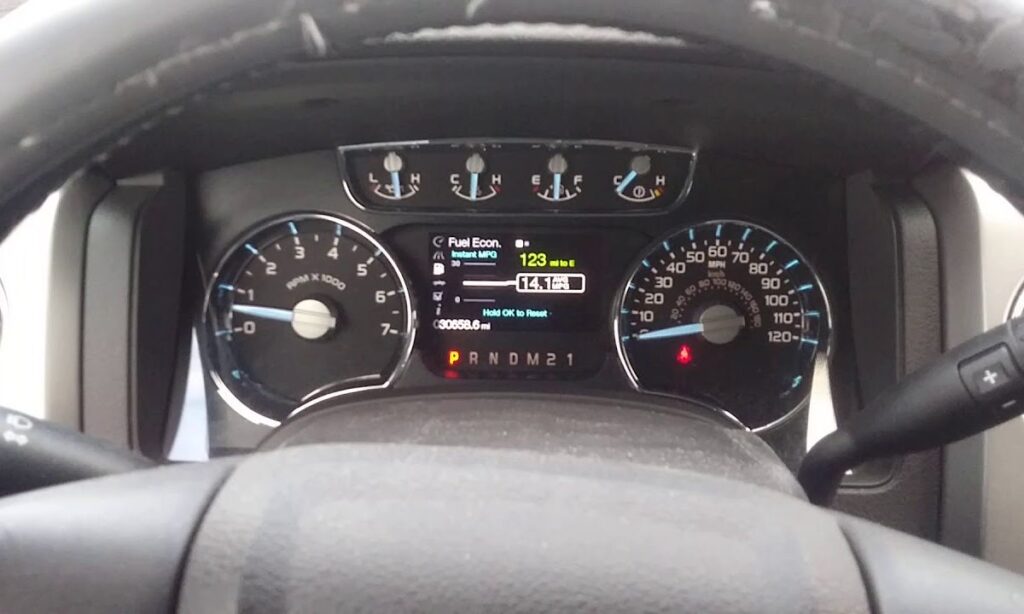
This generation uses the older instrument cluster with dedicated INFO, SETUP, and RESET buttons (usually on the steering wheel or left side of the dash).
Exact step-by-step procedure:
- Turn the ignition key to the ON position (or press the start button once without pressing the brake on push-button models). Do not start the engine.
- Press the SETUP button (or INFO button on some trims) repeatedly until the message center displays “OIL LIFE XXX% HOLD RESET = NEW”.
- Press and hold the RESET button for at least 2–3 seconds.
- The display will show a progress bar or flash “OIL LIFE SET TO 100%” or simply change to 100%.
- Turn the ignition off, then back on to verify the message is gone.
Pro tips from the bay:
- If the display says “Oil Change Required” first, press OK to acknowledge it, then proceed to SETUP.
- On base XL models with simpler clusters, you may only need to hold the stem/reset button on the instrument panel when “OIL LIFE” is shown.
- Common issue: dirty or worn steering wheel buttons — clean contacts or replace the switch pack if holding doesn’t register.
13th Generation F-150 (2015–2020) – Steering Wheel Controls with Advanced Display
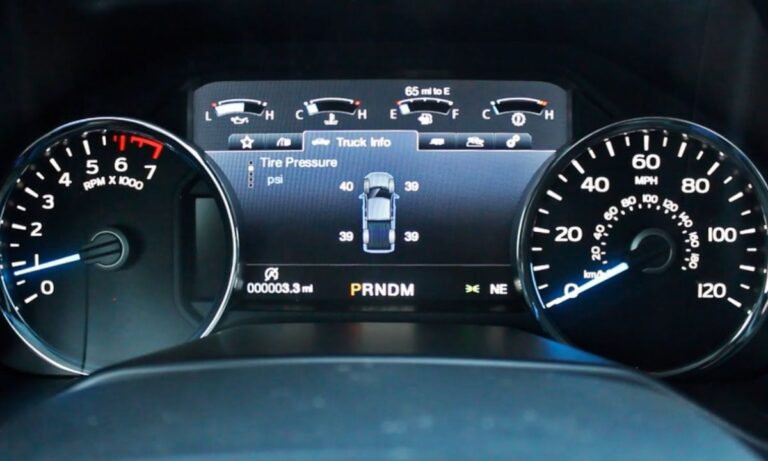
These trucks use the 4.2″ or 8″ productivity screen and left-side steering wheel arrows.
Detailed steps:
- Ignition ON (engine OFF).
- Use the left arrow on the steering wheel to navigate to the main menu.
- Scroll to “Settings” and press the OK button (right arrow or center).
- Select “Vehicle” → “Oil Life” (or “Maintenance” on some software versions).
- Highlight “Oil Life Reset” or simply select the percentage display.
- Press and hold the OK button for 3–5 seconds until you see the confirmation “Oil Life Reset Complete” or the percentage jumps to 100%.
- Cycle the ignition off/on to clear any remaining messages.
Real-world notes:
- 2018–2020 models with the larger screen may show “Vehicle Maintenance” instead of direct “Oil Life”.
- If equipped with the 8″ screen and SYNC 3, some owners report faster reset by going through the touchscreen: Settings → Vehicle → Oil Life → Hold “Reset”.
- Diesel 6.7L Power Stroke versions follow the exact same menu path — no special steps.
14th Generation F-150 (2021–Present) – Digital Cluster & 12″ Screen
The current fourteenth-generation F-150 (still in full production for the 2026 model year) uses a fully digital 12″ cluster and updated menu structure.
Primary method (recommended):
- Press the brake pedal lightly and push the start button once (ignition ON, engine OFF).
- On the steering wheel, press the MENU button (usually the leftmost).
- Scroll down using the thumbwheel or arrows to “Settings” → press OK.
- Go to “Vehicle” → “Maintenance” (or “Truck Info” on some software).
- Select “Oil Life”.
- Press and hold the OK button on the steering wheel until the progress bar fills and you see “Reset Successful” or the oil life reads 100%.
- Turn the vehicle completely off for 10 seconds, then restart to confirm.
Alternative universal pedal method:
- Ignition ON (engine OFF).
- Fully press and hold BOTH the accelerator pedal and brake pedal at the same time.
- After exactly 3 seconds a “Reset in Progress” message appears.
- Continue holding both pedals for a total of 25 seconds until “Oil Life Reset Complete” displays.
- Release pedals and turn ignition OFF.
I use the pedal method in the shop on 2026 trucks when customers have aftermarket steering wheel controls or software glitches — it bypasses the menu entirely and is 100% reliable.
2026 model year note:
The procedure is identical for every 2026 F-150 — including Raptor, Tremor, Platinum, PowerBoost hybrids, and standard gas models. No changes to menus, buttons, or reset logic were introduced for 2026.
Hybrid & PowerBoost specific notes:
The procedure is identical. After reset, the hybrid system may take one drive cycle to fully update the FordPass app. If the app still shows the old percentage, drive 10–15 miles and force a sync.
Troubleshooting when the reset won’t stick
- Light returns after a few miles: You probably didn’t hold the button long enough or the ignition wasn’t fully in “ON” position. Repeat and hold for full 5 seconds.
- No menu option appears: Check for low battery voltage (under 12.4V) — weak battery is the #1 cause of reset failure on 2015–2026 models.
- “Service Required” still shows: On 2021–2026 trucks, go to the FordPass app → Vehicle → Service → manually mark oil change as complete.
- Repeated resets needed: Indicates a possible oil pressure sensor or wiring issue — have it scanned with FORScan or at a dealer.
- Raptor or Tremor owners: Same steps apply; the off-road mode does not change the oil life monitor.