How to Reset Oil Change Light on Toyota Camry – All Generations
Resetting the oil change light on a Toyota Camry is a straightforward procedure, but the exact steps vary depending on the generation and model year of your vehicle. Whether you drive a classic fifth-generation Camry or the latest tenth-generation model, this guide covers every method in detail so you can clear the maintenance reminder quickly and correctly after performing an oil change.
Why the Oil Change Light Comes On
The oil change reminder light on Toyota Camry models is not an oil pressure warning — it is a maintenance minder system that calculates when service is due based on mileage or time intervals programmed into the vehicle’s ECU. It does not automatically reset after an oil change; you must manually reset it each time service is performed. Failing to reset it causes the reminder to appear at the wrong intervals, leading to confusion about actual service needs.
Toyota Camry Oil Change Light Reset by Generation
1st to 3rd Generation Camry (1983–1996) – No Oil Reminder System
Early Camry models from the V10, V20, and V30 generations do not have an electronic oil change reminder light. Service intervals for these vehicles should be tracked manually using a sticker placed on the windshield or door jamb. No electronic reset is required.
4th Generation Camry – XV10 (1992–1996)
The XV10 generation does not feature an oil life monitoring system. Maintenance tracking is manual. No reset procedure applies.
5th Generation Camry – XV20 (1997–2001)
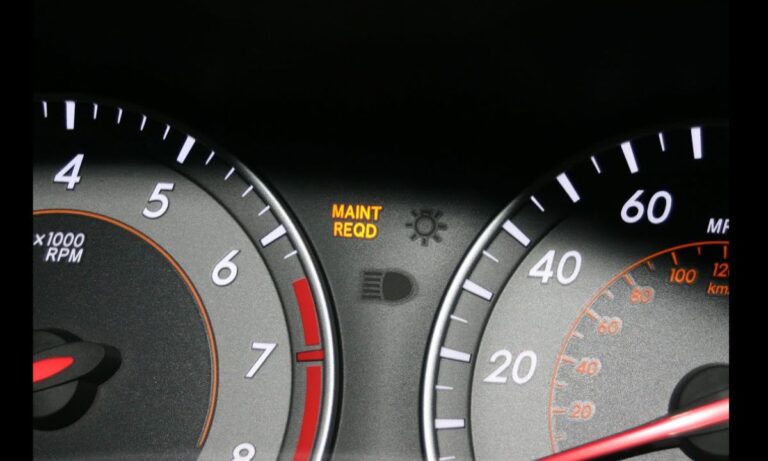
Some markets introduced a basic service reminder on the XV20. If your cluster shows a MAINT REQD light, use the following procedure:
- Turn the ignition to the OFF position
- Press and hold the trip meter reset button on the instrument cluster
- While holding the button, turn the ignition to the ON position (do not start the engine)
- Continue holding the button for approximately 5 seconds until the light flashes and goes out
- Release the button and turn the ignition off
6th Generation Camry – XV30 (2002–2006)
The XV30 Camry introduced the MAINT REQD reminder more consistently across markets. The reset method is identical to the XV20:
- Turn the ignition to OFF
- Press and hold the odometer/trip reset button
- Turn ignition to ON (position II, engine off)
- Hold the button for 5 seconds — the light will blink and extinguish
- Turn ignition off to confirm reset
7th Generation Camry – XV40 (2007–2011)
The XV40 Camry uses the same MAINT REQD indicator. The reset procedure is as follows:
- Ensure the ignition is in the OFF position
- Press and hold the trip odometer button (located on the instrument panel)
- Turn the key to the ON position without starting the engine
- Hold the reset button for 5 seconds until the MAINT REQD light flashes several times and turns off
- Release the button; the reset is complete
Note: If the light does not reset, ensure the odometer is in ODO (total mileage) mode rather than TRIP A or TRIP B before beginning the procedure.
8th Generation Camry – XV50 (2012–2017)
The XV50 generation may feature a multi-information display (MID) depending on the trim level. Two methods apply:
Method 1 – Trip Reset Button (base trims):
- Turn ignition to OFF
- Press and hold the trip reset button
- Turn ignition to ON (do not start)
- Hold button for 5 seconds until the MAINT REQD light resets
Method 2 – Multi-Information Display (higher trims):
- Turn the ignition to ON or start the engine
- Use the steering wheel controls to navigate to the vehicle information menu on the MID
- Scroll to Maintenance or Oil Maintenance option
- Press and hold the OK or Enter button to reset
- Confirm the reset when prompted on the display
9th Generation Camry – XV70 (2018–2024)
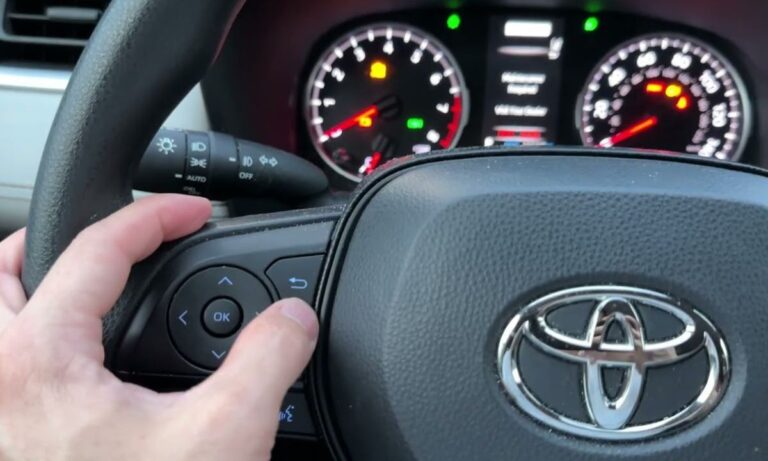
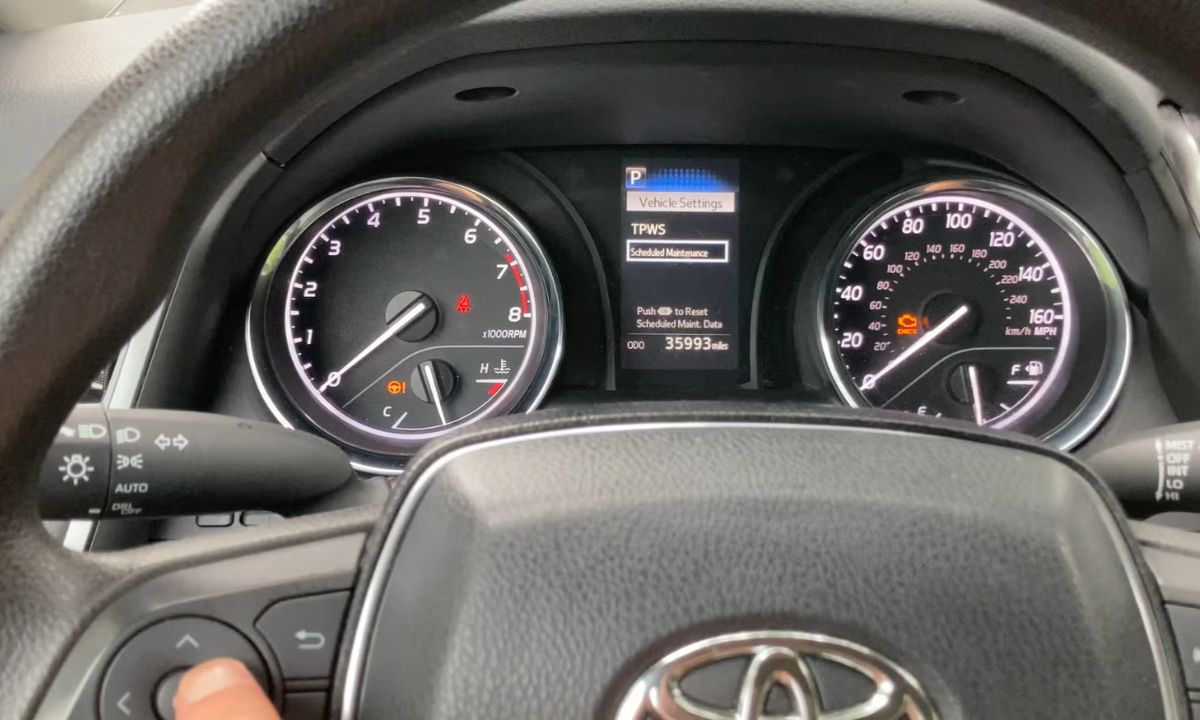
The XV70 Camry features a fully digital multi-information display on most trims. The reset is performed through the MID:
- Start the vehicle or turn ignition to ON
- Press the up or down arrow on the left steering wheel stalk to navigate to the vehicle settings menu
- Scroll to ‘Maintenance Reset’ or ‘Oil Maintenance’
- Press and hold OK for 3 seconds to confirm the reset
- The display will confirm ‘Maintenance Reset Complete’
For base trims with minimal MID:
- Turn ignition to OFF
- Hold the trip reset button
- Turn ignition to ON
- Hold for 5 seconds until light resets
10th Generation Camry – XV80 (2025–present)
The XV80 Camry uses an updated infotainment and instrument cluster. Reset is performed via the digital cluster:
- With the vehicle on, navigate using steering wheel controls to Settings in the instrument cluster
- Select Vehicle Maintenance
- Choose Oil Change Reset and confirm
Common Issues and Troubleshooting
- Light comes back immediately: The odometer must be in ODO mode, not TRIP, before starting the reset on older models
- Button method not working: Ensure the ignition is fully OFF before pressing and holding — do not start the engine during the reset
- Light flashes but does not go out: Hold the button longer — some units require up to 8 seconds
- MAINT REQD vs Check Engine: These are two different lights — this procedure only resets the maintenance reminder, not OBD fault codes
Oil Change Interval Recommendations for Toyota Camry
- Conventional oil (older generations): Every 3,000–5,000 miles or 6 months
- Synthetic oil (XV40 and newer): Every 5,000–10,000 miles depending on driving conditions
- Toyota iForce and 2.5L Dynamic Force engine (XV70/XV80): Every 10,000 miles with full synthetic 0W-20