How to turn on cruise control on Ford vehicles: step-by-step guide
Cruise control is a convenient feature that helps maintain a constant speed on highways and long drives, reducing driver fatigue. Ford offers several types of cruise control systems — conventional Cruise Control, Adaptive Cruise Control (ACC), and Intelligent Adaptive Cruise Control — depending on the model and year.
This guide explains how to activate and use cruise control on most Ford vehicles, including F-150, Mustang, Explorer, Escape, Focus, Edge, Fusion, Bronco, and others.
1. Standard Cruise Control (Most Common on Older and Base Models)
How to Turn It On:
- Start the vehicle and make sure you are driving at a speed of at least 30 mph (48 km/h). Cruise control will not engage below this speed.
- Locate the cruise control buttons on the steering wheel.
- Press the ON/OFF button (usually marked with a cruise control icon or the word “CRUISE”).
- The cruise control indicator light will illuminate on the instrument cluster, showing the system is ready.
- Accelerate to your desired speed.
- Press the SET + button to set the current speed. The system will now maintain that speed automatically.
Useful Controls:
- SET + — Increase speed or set current speed
- SET – — Decrease speed
- RES — Resume previous set speed after braking
- CANCEL — Temporarily cancel cruise control (you can also tap the brake pedal)
To turn cruise control completely off, press the ON/OFF button again.
2. Adaptive Cruise Control (ACC) – Available on Newer Ford Models
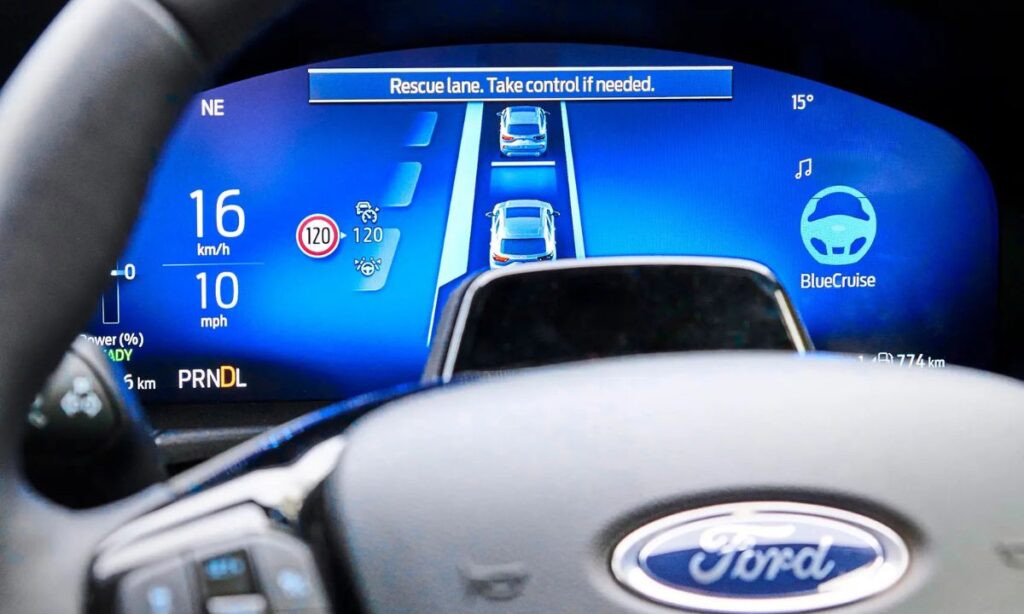
Adaptive Cruise Control not only maintains speed but also automatically adjusts distance to the vehicle ahead.
How to Activate Adaptive Cruise Control:
- Drive at a speed between 20 mph (32 km/h) and the maximum allowed speed.
- Press the ON/OFF button for Adaptive Cruise Control (usually labeled with a radar icon or “ACC”).
- The Adaptive Cruise Control indicator will appear on the dashboard.
- Accelerate or decelerate to your desired speed.
- Press the SET button to engage the system.
- Use the GAP button (distance button) to choose your preferred following distance (Near, Medium, or Far).
Controls:
- + and – — Adjust set speed
- RES — Resume set speed
- Cancel — Disengage the system
- Steering wheel buttons allow you to change following distance while driving.
Model-Specific Instructions
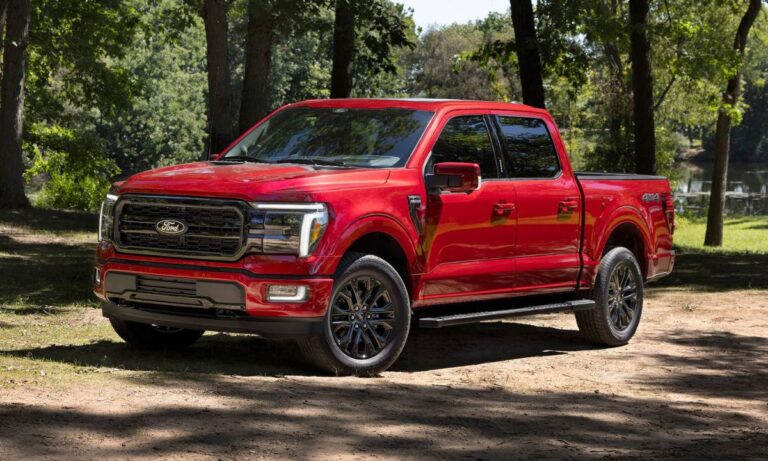
- Ford F-150 (2015–2026): Cruise control buttons are on the left side of the steering wheel. Adaptive Cruise Control is available on higher trims (Lariat, King Ranch, Platinum).
- Ford Explorer (2011–2026): Standard cruise on base models, Adaptive Cruise Control with stop-and-go on newer generations.
- Ford Escape / Bronco Sport: Adaptive Cruise Control became widely available from 2020 onwards.
- Ford Mustang: Standard cruise control on most models; Performance models may have additional features.
- Ford Fusion / Edge: Similar layout to other Ford cars — ON/OFF and SET buttons on the steering wheel.
Important Safety Tips
- Cruise control is designed for highway use. Do not use it in heavy traffic, on winding roads, or in bad weather.
- Always keep your hands on the steering wheel and stay attentive.
- On vehicles with Adaptive Cruise Control, the system may not detect stationary objects or sharp curves well.
- If the cruise control does not engage, check that:
- Vehicle speed is above the minimum threshold
- Brake lights are working properly
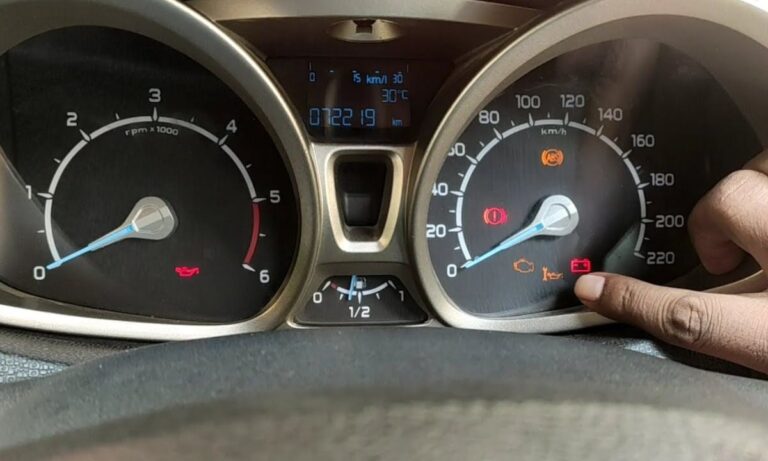
- There are no active warning lights (check engine, ABS, etc.)
- The system is not turned off in the vehicle settings menu (on newer models)
How to Turn Off Cruise Control
- Tap the brake pedal (temporary cancel)
- Press the CANCEL button
- Press the ON/OFF button to fully disable the system
Troubleshooting
If cruise control does not work:
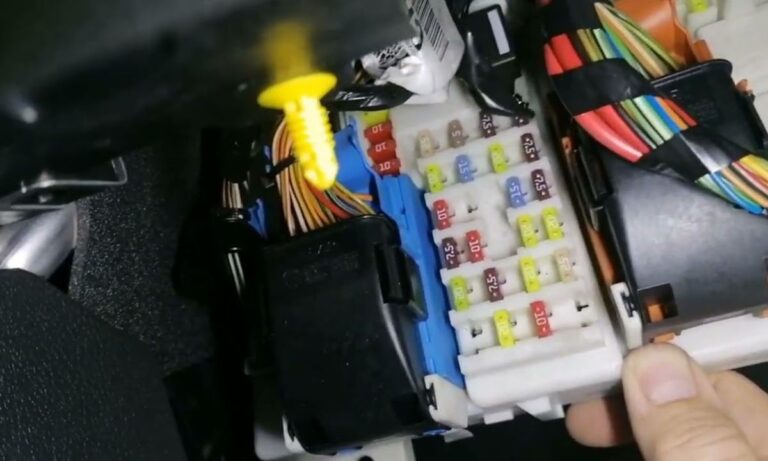
- Check the fuse related to cruise control (usually in the engine compartment fuse box).
- Scan the vehicle for diagnostic trouble codes.
- Make sure the brake switch is functioning correctly (a common failure point).
- On newer models, ensure Adaptive Cruise Control is enabled in the vehicle settings under “Driver Assistance”.
Mastering cruise control on your Ford can make long drives much more comfortable and less tiring. Always remember that cruise control is an assistance feature — it does not replace attentive driving.