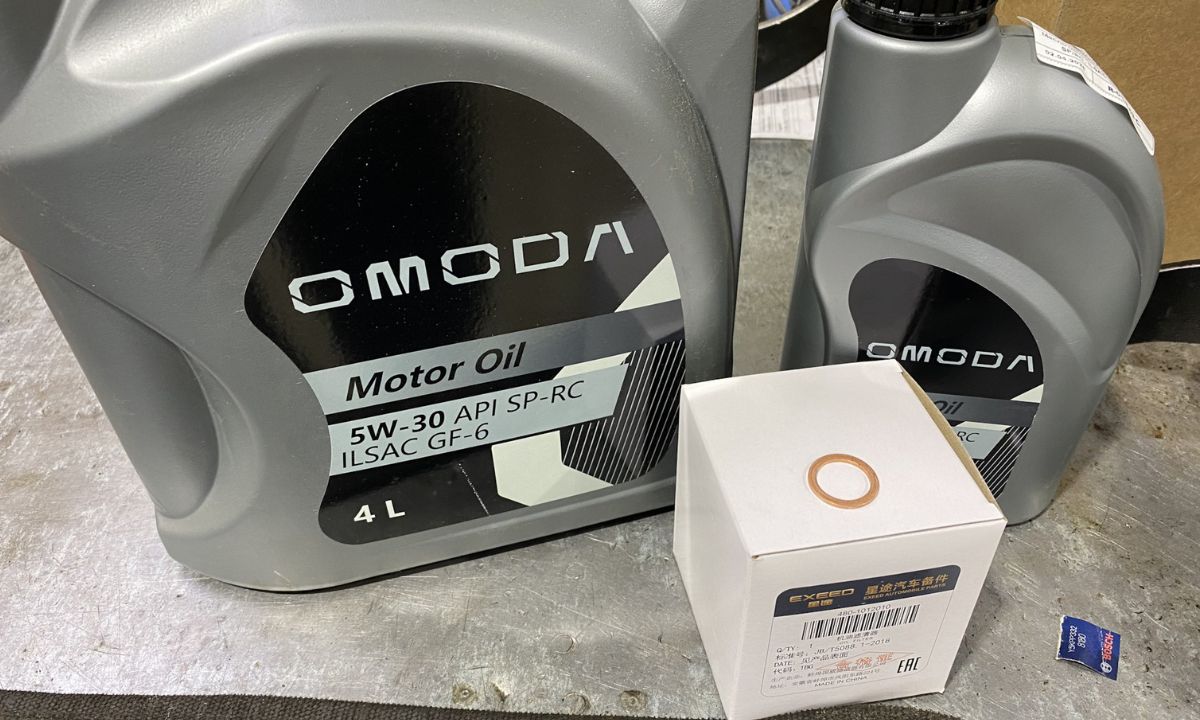
How to Reset the Service Light on Omoda — Step by Step

After an oil change on an Omoda, the maintenance reminder stays on until manually cleared. Since Omoda is a Chery sub-brand, the reset procedure follows the same logic as other Chery-platform vehicles. Current models — the Omoda 5, Omoda 7, and Omoda 9 — use a central touchscreen to manage the maintenance reminder, while some configurations additionally require the correct button sequence on the steering wheel. Neither method requires a scanner for routine oil service resets.
Via Touchscreen Settings Menu
All current Omoda models equipped with the 12.3-inch central touchscreen use this as the primary reset method. The navigation path is consistent across the Omoda 5, Omoda 7, and Omoda 9:
- Start the vehicle or turn the ignition to ON.
- On the central touchscreen, navigate to Settings.
- Select Vehicle or Car Settings.
- Scroll to Maintenance Reminder or Service Reminder.
- Tap Reset to clear the current service counter.
- Confirm when prompted. The counter returns to the default service interval.
- Turn the ignition off and restart to verify the maintenance reminder has cleared.
The maintenance reminder is set by default to 10,000 km or 6 months, whichever comes first. After resetting, the display will show the next due date or distance based on the current odometer reading.
Via Steering Wheel Controls and Instrument Cluster
On some Omoda 5 variants and market configurations with a multi-function steering wheel, the reset can also be performed through the instrument cluster menu:
- Turn the ignition to ON without starting the engine.
- Use the right-side steering wheel navigation buttons to scroll through the instrument cluster menu.
- Find the Service or Maintenance section — displayed alongside a wrench icon and a remaining distance counter.
- Press and hold the OK or confirm button until the counter resets to the full service interval.
- Turn the ignition off and restart to verify.
If the steering wheel menu does not show a maintenance reset option, the touchscreen method is the correct approach for your specific market variant.
Via OBD2 Scanner
Some Omoda configurations in certain markets — particularly dealer-serviced vehicles — have an additional service reminder set by the authorised service centre that cannot be cleared through the manual button or touchscreen method. This secondary reminder requires a compatible OBD2 scanner with Chery/Omoda manufacturer-specific support.
- Connect a compatible scanner to the OBD2 port, located under the dashboard on the driver’s side.
- Turn the ignition to ON.
- Navigate to Service Reset or Maintenance Reset in the scanner menu.
- Select the Chery or Omoda vehicle profile and confirm the reset.
- Disconnect the scanner and restart to verify.
Scanners confirmed to work on Chery/Omoda platforms include Launch X431, Autel MX808, and iCarsoft CR Pro with Chinese vehicle coverage enabled. Generic OBD2 scanners that only read P-codes will not perform the service reset on these vehicles.
What the Reminder Tracks
The Omoda maintenance reminder operates on a fixed distance and time counter. The default interval across petrol models is 10,000 km or 6 months. Since the system counts mileage and time from the last reset rather than measuring actual oil condition, resetting it without completing the oil change only delays the reminder while the existing oil continues to degrade.
The Omoda 5 in South Africa comes standard with a service plan through dealer networks including Group1, which covers labour and parts for scheduled services. If the reminder returns immediately after a dealership service, the dealer may not have cleared the secondary reminder counter — returning to the service centre for a scan tool reset is the correct solution in this case.