What do the warning lights and symbols on the Chevrolet dashboard mean?
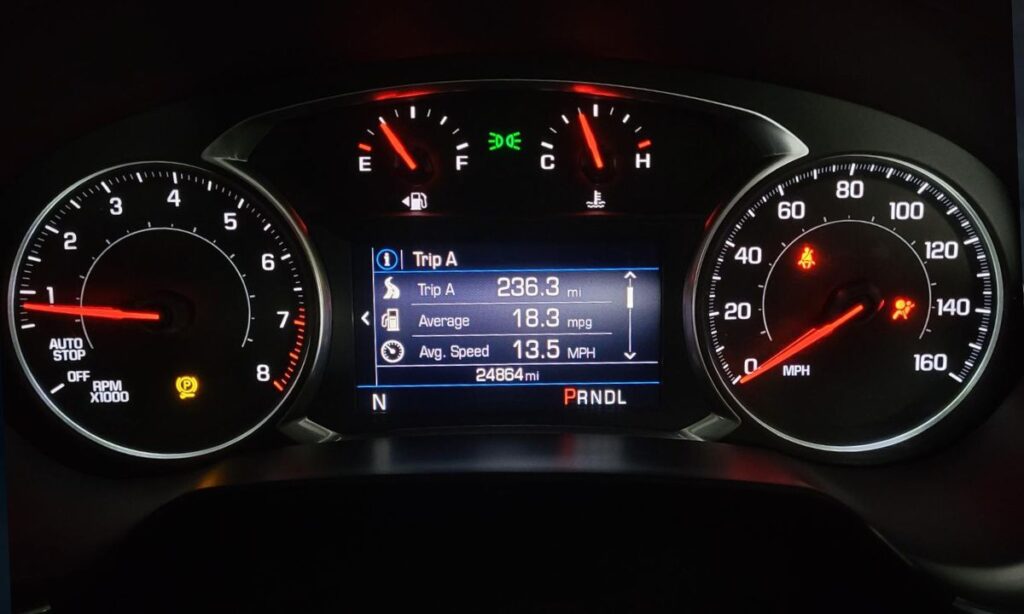
Modern Chevrolet vehicles use a variety of dashboard symbols to inform the driver about the condition of important systems. Some lights are normal when the ignition is on, while others indicate a problem that needs immediate attention. Understanding these icons can help you react quickly and avoid expensive repairs.
Most common Chevrolet dashboard warning lights
Here are the symbols you are most likely to see on your Chevrolet Spark, Cruze, Malibu, Equinox, Traverse, Tahoe, or Silverado:
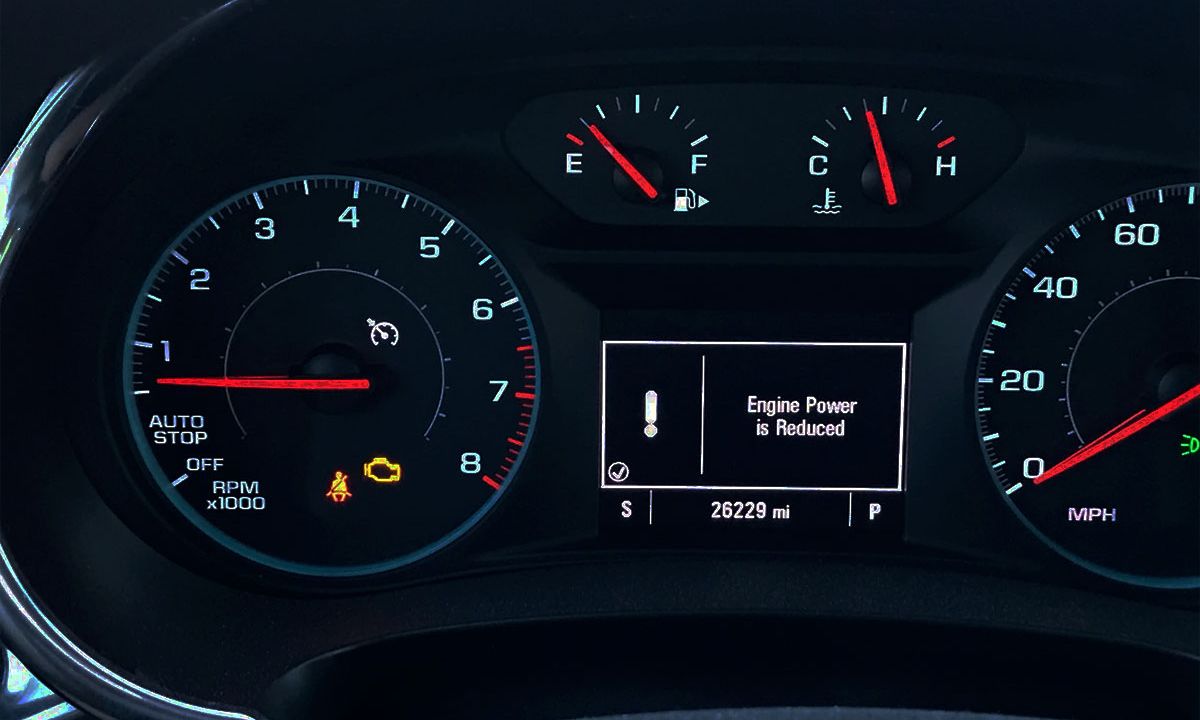
- Check Engine Light (CEL) — Looks like an engine outline. It means the engine control system has detected a fault. It can be caused by anything from a loose gas cap to a serious engine problem. If it flashes, stop driving immediately.
- Battery Charge Warning Light — A battery icon. This light means the alternator is not charging the battery properly. Common causes include a faulty alternator, loose drive belt, or bad battery connection.
- Oil Pressure Warning Light — An oil can symbol. Low oil pressure is serious. Stop the engine as soon as it is safe to do so and check the oil level. Continuing to drive can cause severe engine damage.
- Brake System Warning Light — A circle with “!” inside or the word “BRAKE”. It can indicate low brake fluid, worn brake pads, or a problem with the parking brake. If it stays on with the ABS light, the braking system needs urgent attention.
- ABS Warning Light — Letters “ABS”. The anti-lock braking system is disabled. Regular brakes usually still work, but stopping distances may increase on slippery roads.
- Airbag / SRS Warning Light — A person sitting in a seat with a circle in front. This means there is a fault in the airbag or seatbelt system. The airbags may not deploy in an accident.
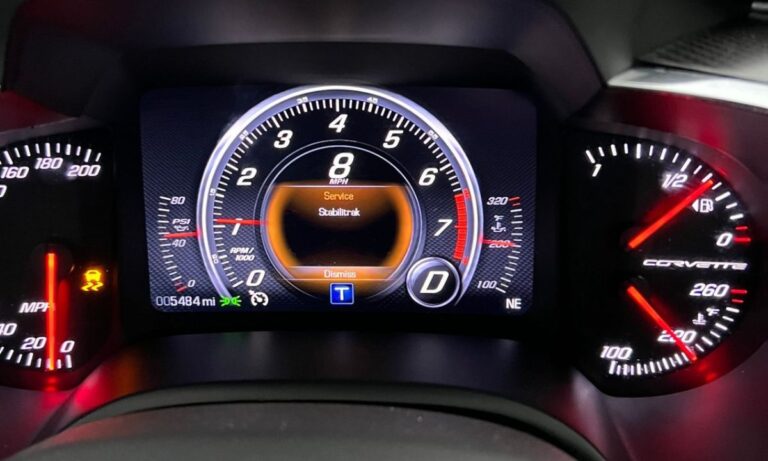
- Traction Control / StabiliTrak Light — A car with skid marks or the word “TC” or “ESC”. It shows the traction control or electronic stability control is active or has a fault.
- Coolant Temperature Warning Light — A thermometer in liquid. The engine is overheating. Pull over safely and let the engine cool down.
- Tire Pressure Monitoring System (TPMS) — A tire with an exclamation mark. One or more tires have low pressure. Check and inflate them as soon as possible.
- Service Engine Soon / Maintenance Light — A wrench icon. This usually means it is time for routine service (oil change, filter replacement, etc.).
Chevrolet-specific symbols
Some icons are more common on Chevrolet vehicles:
- Transmission Temperature Warning — A gear with a thermometer (mainly on trucks and SUVs with automatic transmission). The transmission is too hot — reduce speed or stop.
- 4WD / AWD Indicator — Shows when four-wheel drive or all-wheel drive is engaged.
- Lane Departure Warning — A car drifting between lanes. The system is active or has detected unintended lane departure.
- Forward Collision Alert — A car with waves in front. The automatic emergency braking system has detected a potential collision.
What to do when a warning light appears
- Red lights — Usually indicate a serious problem. Stop the vehicle safely as soon as possible.
- Yellow/Amber lights — Warning or malfunction. You can usually continue driving, but have the car checked soon.
- Flashing lights — Require immediate attention (especially Check Engine and traction control).
Always refer to your owner’s manual for exact meanings, as symbols can vary slightly between models and years.
If multiple warning lights appear at the same time or a light stays on after restarting the car, it is best to scan the vehicle with an OBD-II diagnostic tool or visit a Chevrolet dealer.
Understanding these dashboard symbols helps you stay safe and maintain your Chevrolet properly. When in doubt, it is always better to stop and check rather than continue driving.