How to Reset the Oil Life Monitor on Cadillac
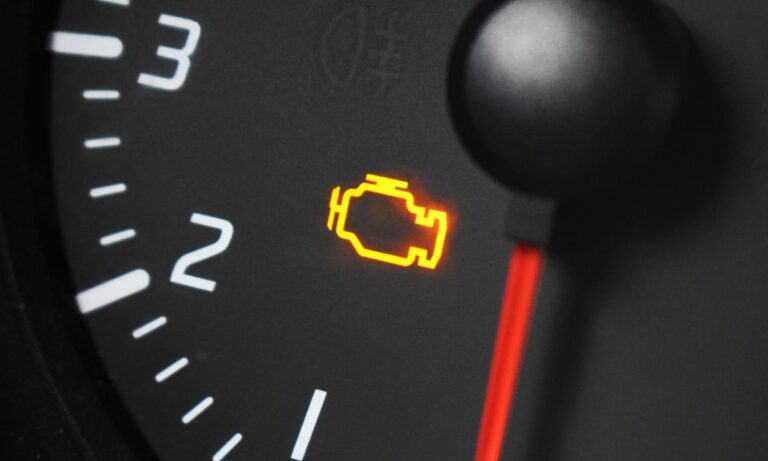
After every oil change, the oil life monitor needs to be reset manually — it doesn’t update on its own. Cadillac uses GM’s Oil Life Monitoring System (OLM), which tracks driving conditions, engine temperature, and load cycles to calculate when the next service is due. Resetting it incorrectly, or not resetting it at all, means the “Change Engine Oil Soon” message keeps appearing even with fresh oil in the engine. The procedure varies depending on which type of controls your vehicle has.
With DIC Steering Wheel Controls
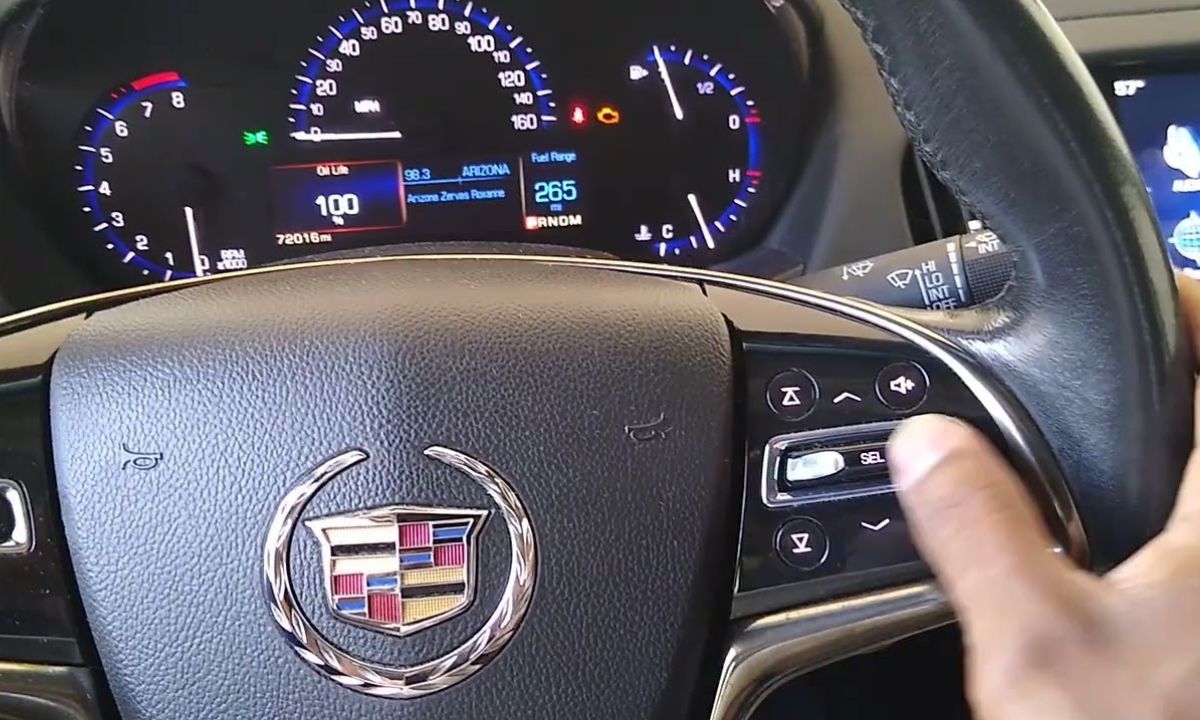
This method works on most Cadillac models equipped with a Driver Information Center controlled from the right side of the steering wheel — including the CTS, XT5, XT6, CT5, CT6, XTS, and Escalade.
- Turn the ignition to the ON position without starting the engine. On push-button start vehicles, press and hold the Start/Stop button for 5 seconds without pressing the brake pedal.
- Use the arrow buttons on the steering wheel to navigate to the REMAINING OIL LIFE display in the DIC.
- Press and hold the SEL or SET/RESET button for 5 or more seconds until the display resets to 100%.
- Turn the ignition off, then start the engine to confirm the “Change Engine Oil Soon” message is gone.
If the message returns after starting the engine, the reset did not complete — repeat the process from the beginning.
With Gas Pedal Method
This method applies to older Cadillac models without steering wheel DIC controls, including earlier CTS and Escalade generations.
- Turn the ignition to the RUN position (one click before starting) and wait at least one minute for the system to initialize.
- Fully press the gas pedal to the floor and release it three times within five seconds.
- Turn the ignition off and wait at least one minute before restarting.
- Start the engine and check that the oil life indicator has cleared.
The waiting period before and after is important — if the PCM has not gone to sleep, the reset will not register. Skipping the wait is the most common reason this method fails.
With Touchscreen Infotainment Menu
Newer Cadillac models with a large center touchscreen — including the CT4, CT5, and recent Escalade — allow the reset directly through the settings menu.
- Turn the ignition to ON without starting the engine.
- On the touchscreen, go to Settings → Vehicle → Oil Life.
- Select Reset and confirm when prompted.
- The display will show 100% Engine Oil Life.
- Turn the ignition off and restart to verify.
With TUNE/SEL Knob on Center Console
Some CTS generations use a rotary TUNE/SEL knob for DIC navigation rather than steering wheel buttons.
- Turn the ignition to ON without starting the engine.
- Turn the TUNE/SEL knob to scroll through the DIC menu until Engine Oil Life is highlighted.
- Press the knob once to select it.
- Press the multifunction button next to the Reset prompt in the display.
- The percentage will return to 100% and the indicator will reset.
What the Oil Life Monitor Actually Measures
The GM OLM system does not use a sensor in the oil — it runs an algorithm that factors in engine starts, RPM history, temperature cycles, and trip length. Short trips in cold weather deplete the oil life percentage faster than highway driving because the engine never fully warms up and combustion byproducts accumulate in the oil more quickly.
This is why two vehicles with identical mileage can show different oil life percentages. A car used mainly for short urban trips may reach 0% oil life before a highway-driven car at the same odometer reading. The system is calibrated to call for service before actual oil degradation becomes harmful, which is why most owners using full synthetic oil find the intervals align closely with manufacturer recommendations.
Resetting without changing the oil defeats the purpose of the system and risks engine wear from degraded lubricant. Always perform the reset immediately after the oil change, not before.