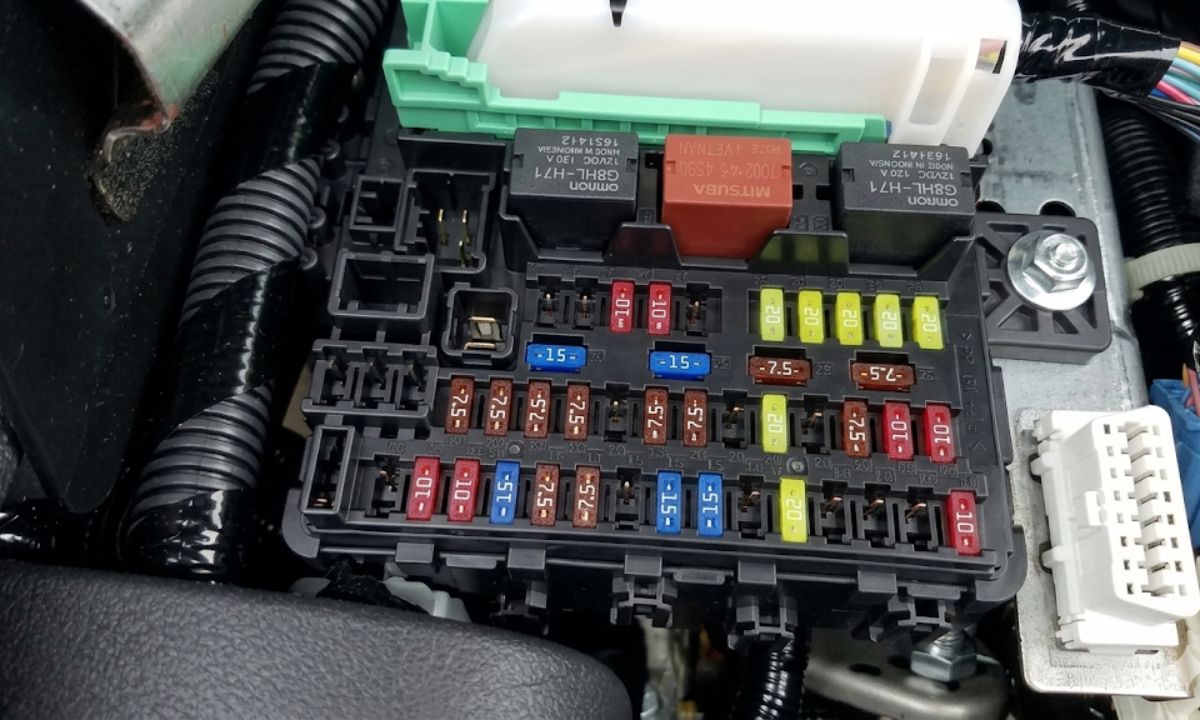
How to quickly and correctly reset the service indicator on Honda Civic
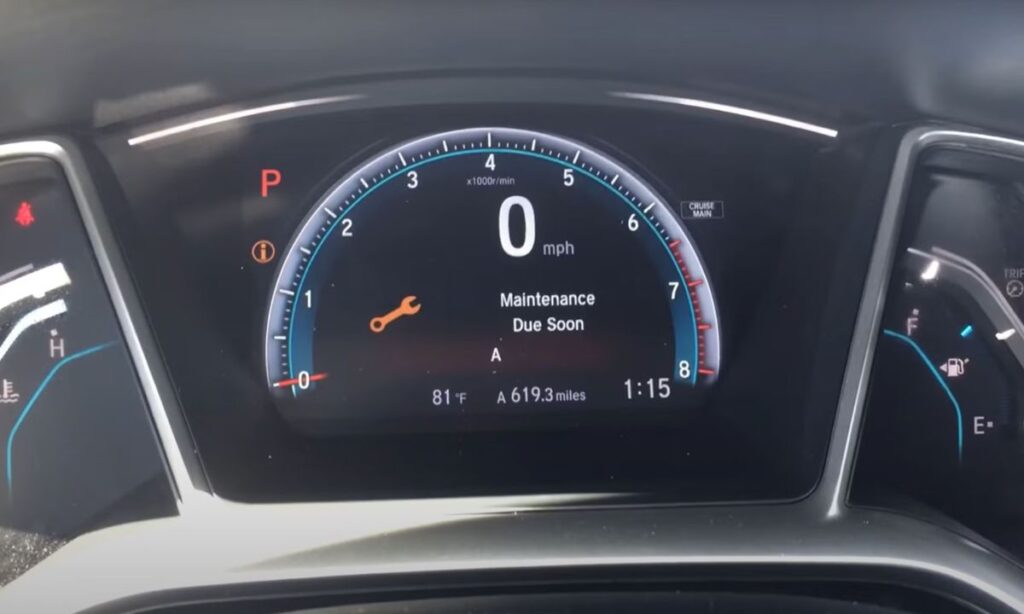
The service light on your Honda Civic comes on after scheduled maintenance and reminds you about oil changes, filters, and other routine jobs. You can reset it yourself in just a couple of minutes without any special tools or a visit to the dealer. This saves time and keeps your car in top condition. Many Civic owners across different generations successfully reset the Oil Life indicator to 100% at home. Doing it right helps maintain engine longevity and everyday driving comfort.
Why resetting the service indicator matters
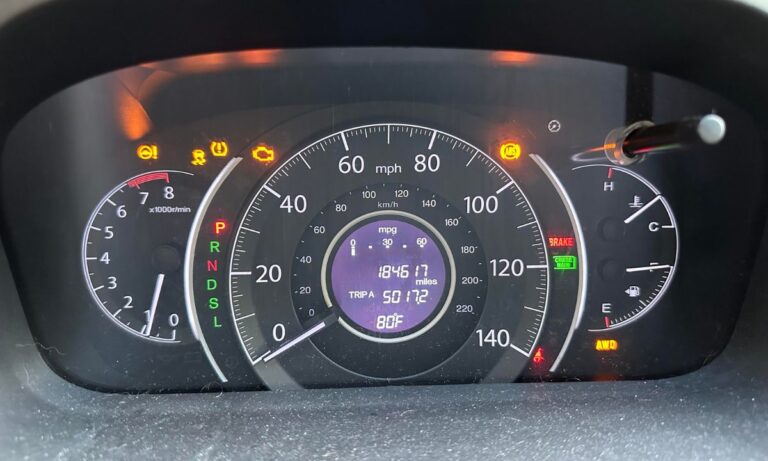
Honda Civic uses the Maintenance Minder system that monitors driving conditions and suggests optimal service intervals. When the wrench icon or “Maintenance Due” appears, the system has recorded the used-up maintenance life. If you forget to reset it after an oil change, the reminder keeps flashing even though the work is done. This distracts the driver and can cause real warnings to be ignored. Resetting returns the system to its original state so you can accurately track the next service. It is especially useful for owners who service their Civic themselves or at independent workshops.
Preparing to reset the service
Make sure all maintenance work is completed: oil changed, filters installed, fluid levels checked. Perform the reset with the engine off. Turn the ignition on without starting the engine. Have the steering wheel ready — most controls are on the left side. Methods vary slightly between generations, but all are simple and tool-free.
Resetting service on 8th and 9th generation Honda Civic
- Turn the ignition to the ON position.
- Press the SEL/RESET button on the instrument panel several times until Oil Life appears.
- Hold the SEL/RESET button for 5–10 seconds until the indicator starts blinking.
- Release and hold it again until the value returns to 100%.
- Turn off the ignition and start the engine to verify.
This method works on most Civics with classic instrument clusters. If it does not reset the first time, repeat the steps.
Resetting service on 10th generation Honda Civic and newer
- Press the start/stop button twice without pressing the brake pedal to turn on ignition.
- Use the i (Info) button on the steering wheel to enter Vehicle Information or Maintenance menu.
- Select Oil Life or Maintenance Reset.
- Hold the Enter button for about 10 seconds until the reset menu appears.
- Choose the required item (usually A or B) and confirm by holding Enter.
- On models with a large screen go to Settings → Vehicle → Maintenance Info and select Reset All Due Items.
After resetting, the indicator should turn off and Oil Life should show 100%.
Useful tips for working with Maintenance Minder
The Honda system considers not only mileage but also driving style, temperature, and fuel quality. Code A1 means oil and filter replacement, B1 includes additional jobs like brake pads. Do not ignore the codes — they help prevent expensive repairs. After reset, drive 10–20 km and check that the indicator does not return. If your Civic has adaptive cruise control or other systems, make sure they operate normally. Regular oil level checks complement the electronic reminders.
Possible issues and how to solve them
Sometimes the indicator refuses to reset due to low battery charge or an electronic glitch. In this case, disconnect the battery terminal for 10–15 minutes and try again. Some models require confirmation of several service items. If the service light stays on after all attempts, a diagnostic scan may be needed — there could be a real fault. Never reset without actually performing the maintenance to avoid missing important work.
Recommendations for ongoing Honda Civic care
Keep a simple maintenance log with dates and mileage after successful reset. Change oil every 8–12 thousand km depending on conditions. Use fluids and filters recommended by Honda to preserve reliability and performance. Check the braking system, cabin filter, and belts every 20–30 thousand km. Regular diagnostics catch small problems before they become serious. Following these easy rules will keep your Civic dynamic, economical, and dependable for many years.