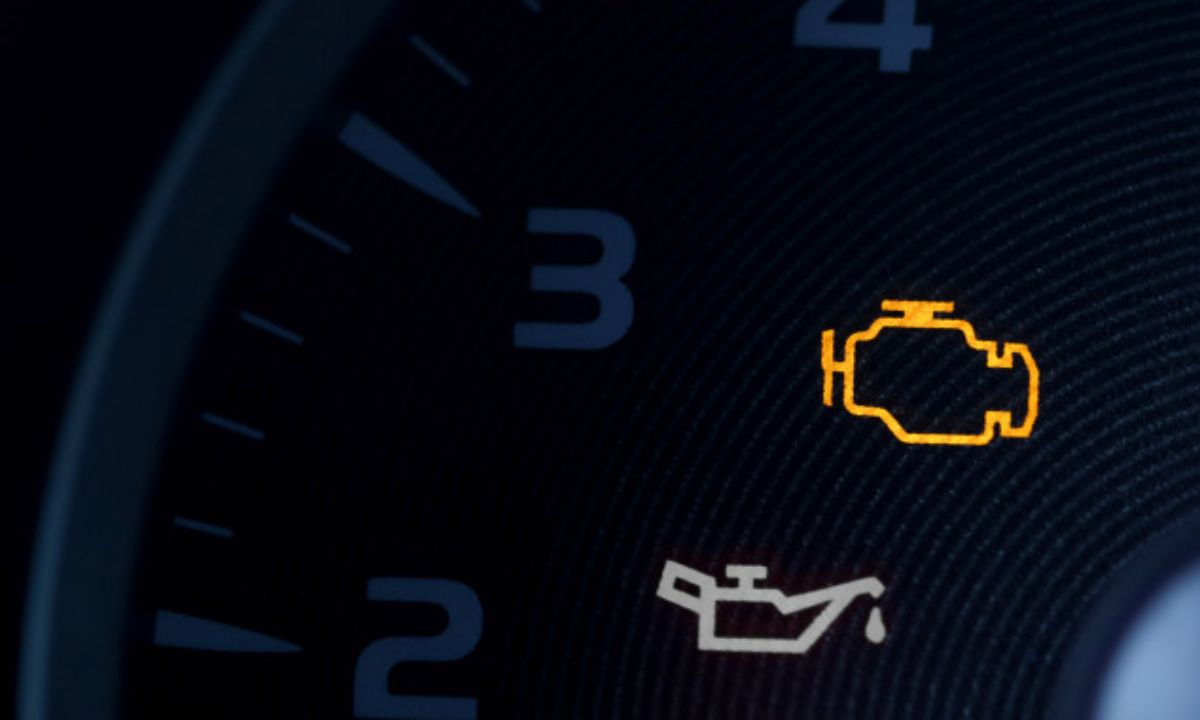
Jetour Maintenance Light Reset: Step-by-Step Guide for All Models
After an oil change on a Jetour, the service reminder stays on until manually cleared. The reset method varies between models — the X70 and X70 Plus use steering wheel controls to navigate the instrument cluster menu, while the Dashing in many market variants requires a diagnostic scanner. The T2 uses a touchscreen-based reset on most configurations.
Via Steering Wheel Controls
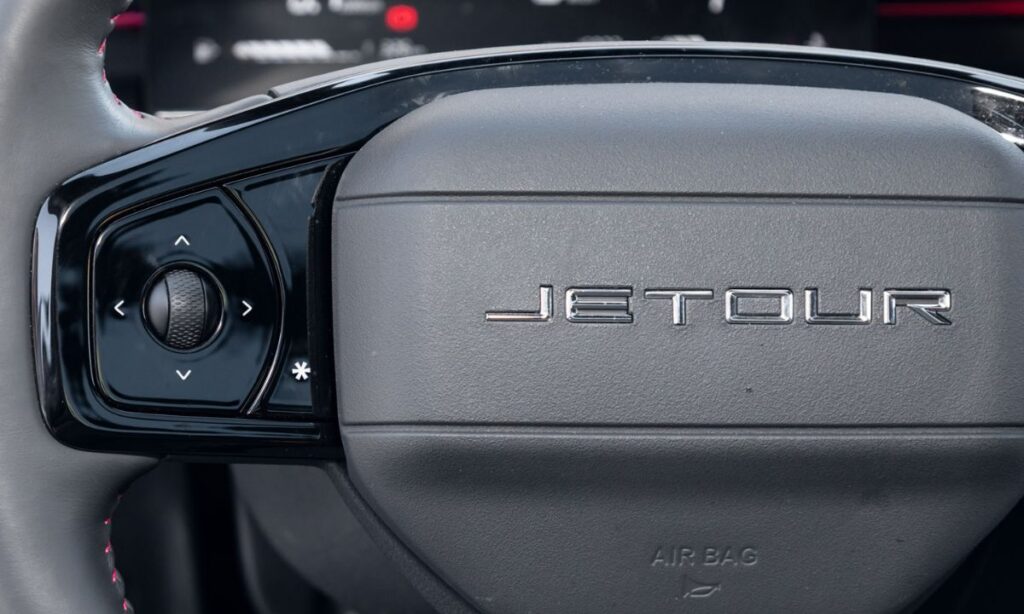
The X70 and X70 Plus use a multi-function steering wheel with Trip, Mode, and OK buttons to navigate the instrument cluster display:
- Turn the ignition to ON without starting the engine — on push-button start models, press Start without pressing the brake pedal.
- Press the Trip button on the left stalk to enter the Settings menu in the instrument cluster display.
- Use the scroll or arrow buttons on the steering wheel to navigate through the menu options until you reach the Service or Maintenance section.
- Press and hold the Mode or OK button for approximately 2–3 seconds until the service counter resets.
- The display will confirm the reset and the maintenance reminder will clear.
- Turn the ignition off and restart to verify.
On Proton X70 variants — which share the same platform and instrument cluster as the Jetour X70 — this procedure is confirmed as the standard reset method across all markets where the model is sold. The same button sequence applies to Jetour-badged variants.
Via Touchscreen Menu
The T2 and newer X70 Plus variants with a larger central touchscreen manage the service reminder through the vehicle settings application:
- Start the vehicle or turn the ignition to ON.
- On the touchscreen, navigate to Settings → Vehicle → Maintenance Reminder or Service Interval.
- Tap Reset to clear the current distance counter.
- Confirm when prompted. The counter returns to the full service interval.
- Restart to verify the dashboard reminder has cleared.
On the T2, this is the primary method — the steering wheel button sequence used on the X70 does not apply to this model due to the different instrument cluster design.
Via OBD2 Diagnostic Scanner
The Dashing in most export market configurations — including South Africa, UAE, and Malaysia — requires a compatible OBD2 scanner with Chery/Jetour manufacturer-specific support to reset the maintenance reminder. The Dashing’s instrument cluster does not support a manual button reset in the same way as the X70.
- Connect a compatible scanner to the OBD2 port under the dashboard on the driver’s side.
- Turn the ignition to ON.
- Navigate to Service Reset or Maintenance Reset in the scanner menu.
- Select the Jetour or Chery vehicle profile.
- Confirm the oil change reset and disconnect the scanner.
- Restart to verify.
Scanners confirmed to work on Jetour/Chery platforms include Launch X431, Autel MX808, and iCarsoft CR Pro with Chinese vehicle coverage enabled. Basic generic OBD2 scanners that only read P-codes will not perform the service reset.
When the Light Returns After Reset
A service reminder that reappears within a few hundred kilometres of a confirmed reset is not a reminder system fault. On Jetour models, a returning light after a manual reset typically indicates either:
- An incomplete reset where the ignition was not fully in the ON position during the procedure
- A fault code stored in the ECU triggering the warning independently of the oil life counter — requires a diagnostic scan to identify
Always wait at least 30 seconds after turning the ignition off before restarting to allow the ECU to register the completed reset. On touchscreen-equipped models, confirm the counter has changed on screen before switching the ignition off.