How to Reset the Service Light on Fiat — Step-by-Step for All Models
After an oil change on a Fiat, the service reminder stays on until manually cleared. The reset method varies significantly between models and generations — the 500 uses a gas pedal sequence, the Tipo uses the accelerator and brake together, and newer models with Uconnect allow a touchscreen reset. Using the wrong method for your model results in a failed reset that requires the full procedure to be repeated from the start.
With Gas Pedal Sequence
The Fiat 500 and 500L use a straightforward pedal sequence. The 500L adds a preliminary step:
Fiat 500:
- Turn the ignition to ON without starting the engine.
- Slowly press the accelerator pedal fully to the floor three times within 10 seconds.
- Turn the ignition off.
- Start the engine and confirm the oil change light has cleared.
Fiat 500L:
- Press and hold the accelerator pedal fully for 10 seconds with the ignition off.
- While still holding, turn the ignition to ON without starting the engine.
- Press the accelerator pedal three more times fully.
- The oil change light will go off. Turn the ignition off and restart to confirm.
If the light returns after restarting, the pedal was not pressed fully to the floor or the sequence was too slow. Repeat with deliberate full strokes.
With Accelerator and Brake Together
The Tipo and 500X use a different method combining both pedals:
- Turn the ignition to ON without starting the engine.
- Press and hold the accelerator pedal fully to the floor.
- While holding the accelerator, press the brake pedal seven times.
- Keep the accelerator held for one full minute after the seventh brake press.
- Release the accelerator and turn the ignition off.
- Wait one minute, then start the engine. The display should confirm “Oil Change Completed.”
The one-minute hold after the brake presses is critical — releasing early is the most common reason this procedure fails on the Tipo.
With Steering Wheel Controls and Display
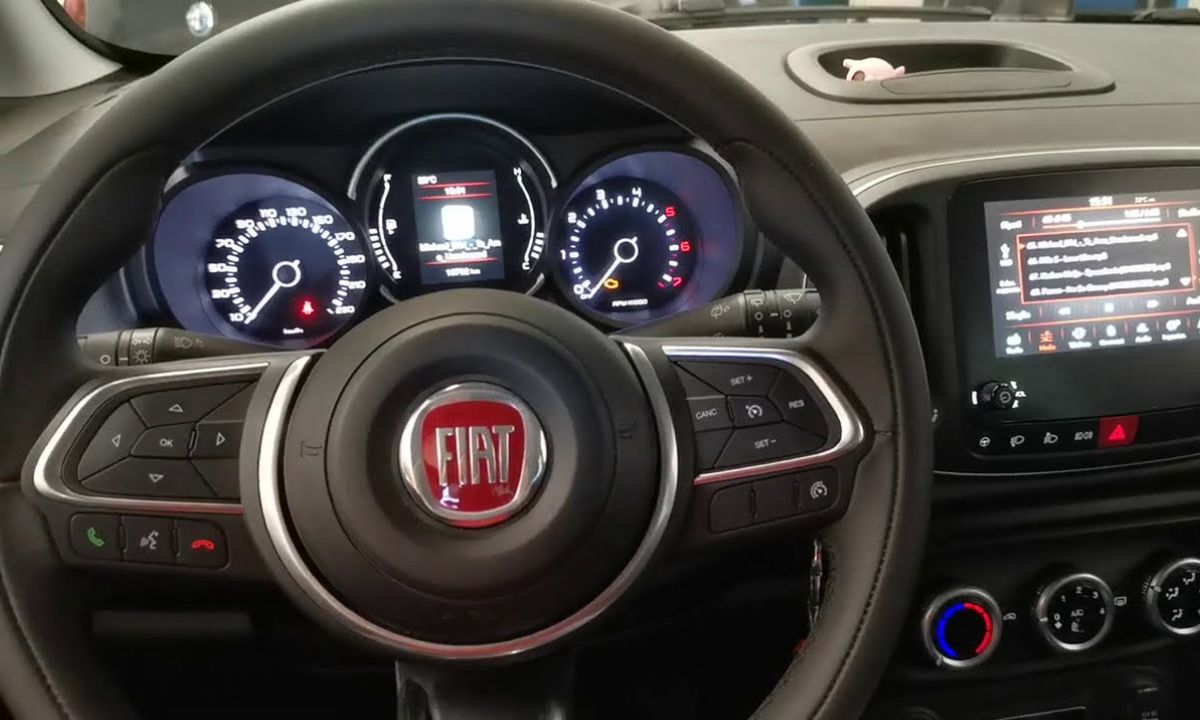
Some 500X and newer 500 variants with a steering wheel menu use this method:
- Turn the ignition to ON without starting the engine.
- Use the steering wheel buttons to navigate to Settings → Vehicle Menu → Oil Life.
- Press and hold the OK button until “Reset Successful” appears on the display.
- Turn the ignition off and restart to verify.
With OBD Diagnostic Tool
The current Ducato generation (X290, 2014–2024) does not support a manual button reset — it requires a diagnostic tool connected to the OBD2 port:
- Connect a compatible OBD2 scanner with Fiat/Stellantis support to the port under the dashboard.
- Navigate to Service Reset or Maintenance Reset in the scanner menu.
- Select Oil Change Reset and confirm.
- Disconnect the scanner and start the engine to verify the light has cleared.
Basic generic OBD2 scanners do not support this function on the Ducato — a scanner with manufacturer-specific Fiat coverage is required. The older Ducato X250 (2006–2014) supports the brake pedal method: hold the accelerator fully while pressing the brake seven times, then wait for the light to clear.
When the Light Returns After Reset
A service light that reappears within a few hundred kilometres of a confirmed reset is not a reminder system fault. On Fiat models, a returning light after a manual reset typically indicates either a fault code stored in the ECU — requiring an OBD2 diagnostic scan — or an incomplete reset where the ignition was not fully off before restarting. Always wait at least 30 seconds after turning the ignition off before restarting to allow the ECU to register the reset.