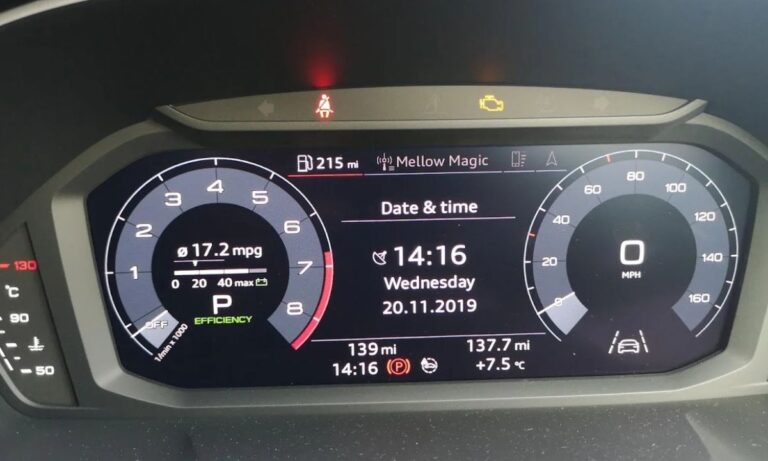
How to reset the service interval on Audi models: step-by-step instructions
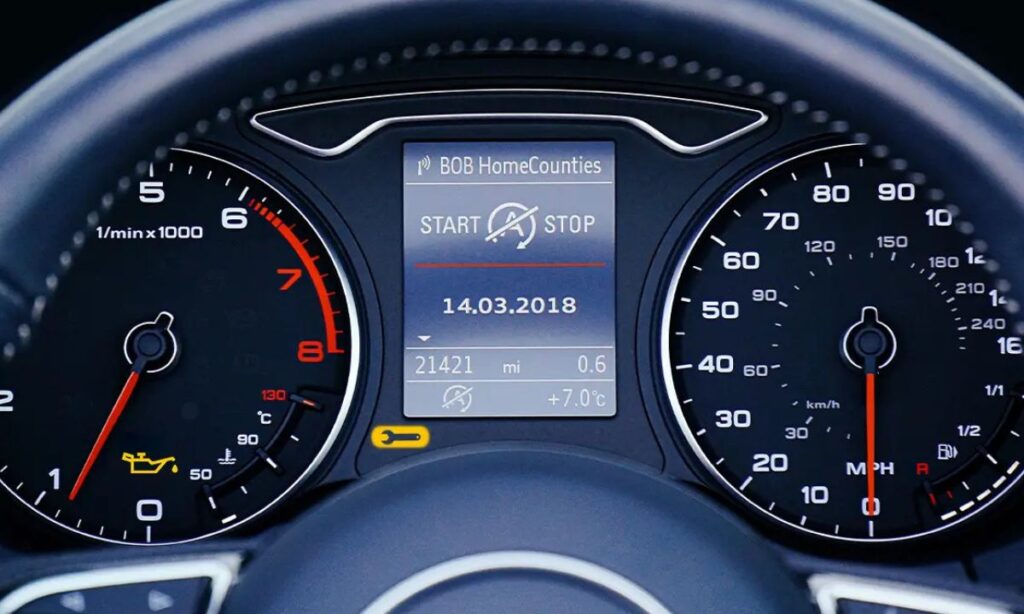
The service interval reminder (often shown as “Service Due,” “Oil Change Due,” or “Inspection Due”) on Audi vehicles tracks scheduled maintenance like oil changes and inspections. Resetting it after service keeps the dashboard accurate and prevents unnecessary warnings. The procedure varies by model year, generation, and whether your Audi uses classic instruments, basic MMI, or the modern MMI Touch Response system.
Important notes before starting
- These steps are for most common Audi models (A3, A4, A5, A6, Q5, Q7, etc.). Exact menus can differ slightly by year and equipment.
- Perform the reset only after the actual service has been completed.
- If the procedure doesn’t work, a diagnostic tool (like VCDS, OBDeleven, or dealer ODIS) may be required for some models.
- Always turn the ignition off and on to verify the reset.
Older models (pre-2010, e.g., A6 C6 4F 2004–2011, A4 B7/B8 early, many without full MMI)
- Turn the ignition to ON (do not start the engine).
- Press and hold the trip reset button (usually on the instrument cluster stalk or end of the wiper stalk).
- While holding it, turn the ignition OFF, then back to ON (or start the engine).
- Keep holding the button until “Service Reset” or “Reset Oil Service” appears on the display.
- Release and press the button again briefly to confirm.
- Turn ignition off, then start the car — the reminder should be cleared.
This method works on many analog/instrument-based Audis from the 2000s to early 2010s.
Models with MMI system (approx. 2010–2018, e.g., A4 B8/B9, A6 C7, Q5 8R, Q7 4L/4M early)
Most use the steering wheel controls or MMI knob:
- Turn the ignition to ON (engine can be running or off).
- Press the CAR button on the MMI (or use steering wheel controls to access the main menu).
- Navigate to CAR SYSTEMS (or Vehicle > Service).
- Select SERVICE INTERVALS or Service & Checks.
- Choose Reset Oil Change Interval (or Reset Service Interval / Reset Oil Service).
- Confirm the reset when prompted (usually hold or press OK).
- Turn ignition off for 10–15 seconds, then restart — check if the message is gone.
Some variations:
- On certain models, go to Settings > Service > Reset.
- For inspection reset (separate from oil), select the inspection option if available.
Newer models with MMI Touch Response (2019+, e.g., A4 B9 facelift, A6 C8, Q5 FY, Q7 4M facelift, Q8, A8 D5)
These use touchscreen menus:
- Start the engine or turn ignition to ON.
- Tap the CAR icon on the main MMI touchscreen.
- Go to Settings or Vehicle > Service & Checks (or Maintenance).
- Select Service Intervals or Service Interval.
- Tap Reset Service Interval (or Reset Oil Change / Reset Inspection).
- Confirm the action (may require holding or double-tap).
- Turn the car off completely, wait a few seconds, then restart to verify.
For some 2020+ models:
- The reset may be under Service > Reset Oil Change directly in the service submenu.
- If “Service Now” or flexible service appears, choose the appropriate reset type.
Model-specific quick tips
- A3 (8V 2013–2020 and 8Y 2020+) — Usually MMI method above; older 8P (2004–2013) often use the stalk/button hold method.
- A4/A5 (B8 2008–2016) — MMI CAR > Service Intervals reset.
- A6/A7 (C7 2011–2018) — CAR > CAR SYSTEMS > SERVICE INTERVALS > Reset Oil Change.
- Q5 (8R 2009–2017) — Similar MMI steps; some early ones need stalk method.
- Q7 (4M 2016+) — Modern MMI touchscreen reset under Service & Checks.
- RS/S/RS e-tron models — Same as base model, but may require extra confirmation in performance variants.
If the reset fails
- Double-check that service was actually performed (some systems lock reset until mileage/time threshold).
- Try a full MMI reboot: Hold the volume knob for 10–15 seconds until the screen restarts (works on many 2019+ models).
- For stubborn cases or newer vehicles with adaptive/flexible service, professional diagnostic tools are often needed.
Resetting the service interval is a simple DIY task on most Audis and takes under a minute once you know the menu path. If your model/year behaves differently, refer to the owner’s manual or share your exact model/year for more tailored advice.