Lexus Maintenance Required Light Reset — All Models and Generations
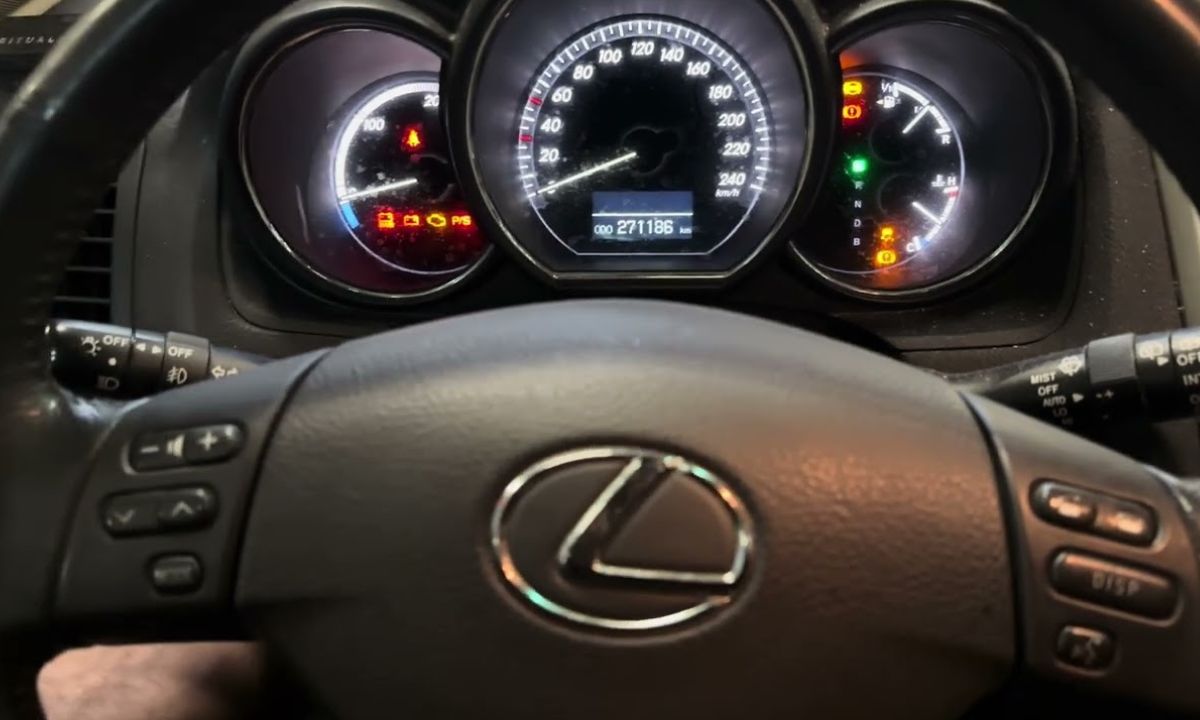
After servicing a Lexus, the Maintenance Required light stays on until you reset it manually. The procedure differs significantly between generations — older models use a trip meter button sequence, while newer ones use steering wheel controls to navigate the multi-information display. Because the reset method varies not just by model but also by production year, identifying the correct procedure for your specific vehicle saves time and frustration.
With Trip Meter Button
This method applies to most Lexus models built before 2016, including the IS250/IS350 up to 2015, RX 350/450h up to 2015, ES 350 up to 2018, GS series, and LS460. Since this is the most widely used method across older Lexus vehicles, it is worth trying first on any model without a multi-information display.
- Turn the ignition to ON without starting the engine. On push-button start models, press Start twice without pressing the brake pedal.
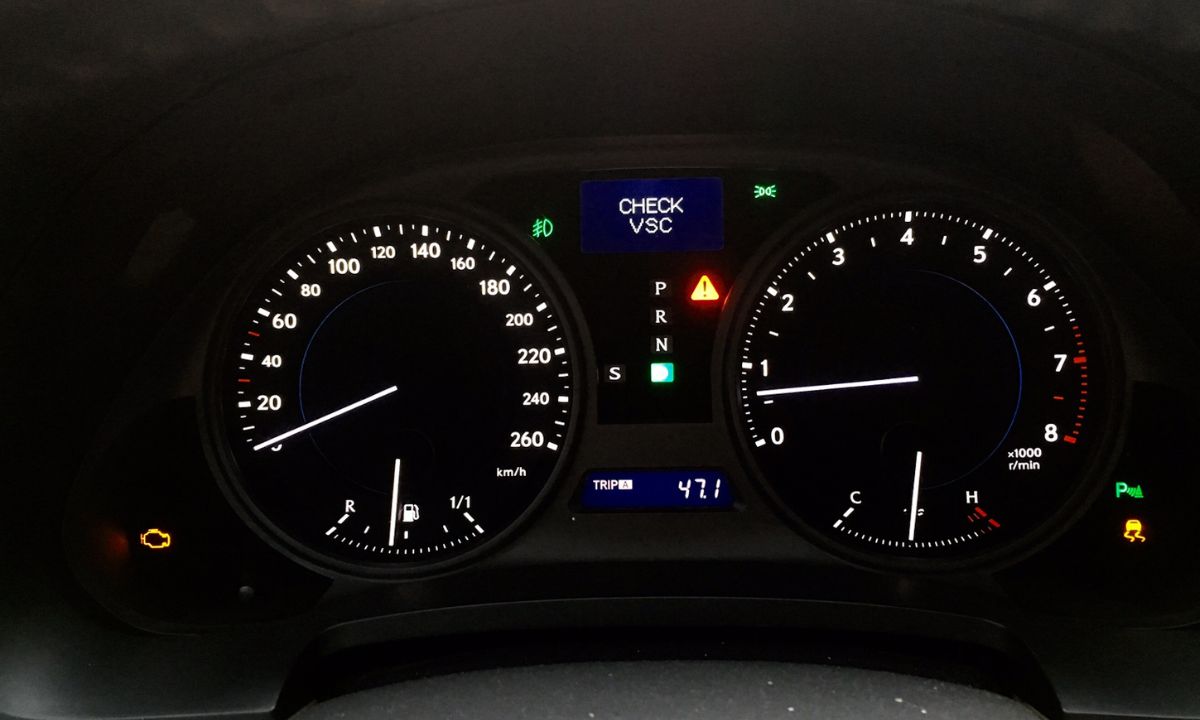
- Use the trip reset button on the instrument cluster to switch the odometer display to TRIP A mode.
- Turn the ignition off completely.
- Press and hold the trip reset button — do not release it.
- While holding the button, turn the ignition back to the ON position.
- Hold the button for approximately 10 seconds. The Maintenance Required light will blink, turn solid, and then go out.
- Release the button and turn the ignition off.
- Restart the engine to confirm the light has cleared.
If the light continues to blink in step 6 and does not go out, the ignition was not fully off before restarting the sequence. Turn the ignition off, wait 30 seconds, and repeat from the beginning with the display showing TRIP A before you switch off.
Via Steering Wheel Controls and Multi-Information Display
Newer Lexus models — including the RX 350/450h from 2016 onward, NX from 2015, UX, ES 350/300h from 2019, and GX550 — use steering wheel buttons to navigate the instrument cluster settings. Although the menu names vary slightly between models, the navigation path is consistent:
- Start the engine or turn the ignition to ON.
- Using the right-side steering wheel controls, press the back or menu button and navigate to the Settings icon — it resembles a gear with teeth.
- Scroll down to Vehicle Settings using the directional arrows.
- Select Scheduled Maintenance or Oil Maintenance.
- Press and hold the OK or confirm button until the reset confirmation appears.
- The system will display a reset confirmation message and return the maintenance counter to its full interval.
- Turn the ignition off and restart to verify.
On the RX specifically, ClubLexus forum members confirm that the Settings icon is the last icon in the row when scrolling right with the steering wheel button. Additionally, some RX variants require pressing and holding the centre dot button on the steering wheel rather than the standard OK button — if the first attempt does not register, try the centre button instead.
Via Touchscreen Menu
Some Lexus models with a larger touchscreen infotainment system — including higher-trim NX and RX variants, as well as the ES from 2019 onward — allow the reset through the vehicle settings application:
- Turn the ignition to ON or start the vehicle.
- On the touchscreen, navigate to Settings → Vehicle Settings or Car Settings.
- Select Scheduled Maintenance or Maintenance Reminder.
- Tap Reset or Clear Reminder and confirm.
- Turn the ignition off and restart to verify.
Since newer Lexus infotainment systems update regularly, the exact menu path may differ slightly from the description above. However, the Maintenance or Scheduled Maintenance option always appears within the Vehicle Settings section rather than the general Settings menu.
What the Maintenance Required Light Tracks
The Maintenance Required light in Lexus vehicles operates on a fixed mileage counter — it is not an algorithmic oil life calculator. The light activates every 5,000 miles from the last reset, regardless of driving conditions or oil type. However, Lexus uses full synthetic 0W-20 in most current models, and therefore the actual recommended oil change interval is 10,000 miles — meaning the light may trigger twice between full oil changes on newer models.
The light is also separate from the Check Engine light. Although both appear on the dashboard, the Maintenance Required light indicates a scheduled service interval, while the Check Engine light signals a stored fault code. Resetting the maintenance counter does not affect fault codes, and fault codes do not trigger the maintenance reminder.
If the Maintenance Required light returns within a short distance of a confirmed reset, the most likely cause is an incomplete reset — specifically, the ignition was not fully in the ON position, or the button was released too early. Repeating the procedure correctly resolves this in most cases without requiring a diagnostic scan.