JAC Service Reminder Reset: How to Clear the Oil Change Light
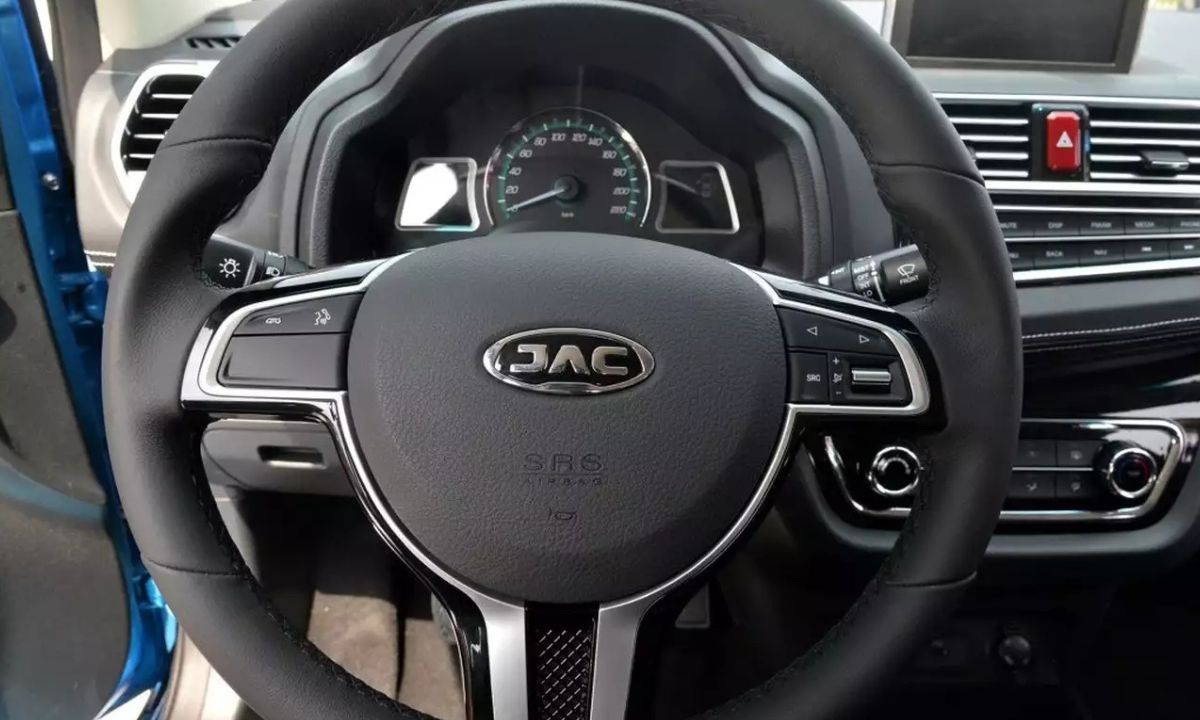
After servicing a JAC vehicle, the maintenance reminder needs to be cleared manually — it will not reset on its own after an oil change. The method depends on the model generation. Current JAC models with a digital instrument cluster use a menu-based reset, while some older variants use a physical button sequence. If neither works, the reset requires a compatible OBD2 scanner with JAC manufacturer-specific support.
Using the Steering Wheel Menu
Current JAC models including the T9 and newer variants use a multi-function steering wheel with navigation buttons for the instrument cluster display:
- Turn the ignition to ON without starting the engine — on push-button start models, press the Start button once without depressing the brake pedal.
- Use the right-side steering wheel buttons to navigate through the instrument cluster menu.
- Scroll to Maintenance or Service Reminder — displayed alongside the remaining service distance counter.
- Press and hold the OK or confirm button until the counter resets and the reminder clears.
- Turn the ignition off and restart the engine to verify the light is gone.
If the maintenance reminder reappears immediately after restarting, the reset did not complete. Repeat and hold the OK button for a full 3–5 seconds past the point where the display begins to respond.
Using the Touchscreen Menu
Some JAC models with a large central touchscreen manage the maintenance reminder through the vehicle settings application:
- Start the vehicle or turn the ignition to ON.
- On the touchscreen, navigate to Settings → Vehicle → Maintenance Reminder or Service Interval.
- Tap Reset to clear the current distance counter.
- Confirm when prompted. The counter returns to the full service interval.
- Turn the ignition off and restart to verify.
Using the Trip Reset Button
Older JAC sedans and crossovers without steering wheel menu navigation use the trip odometer reset button on the instrument cluster:
- Turn the ignition off completely.
- Press and hold the trip reset button on the instrument cluster.
- While holding the button, turn the ignition to the ON position without starting the engine.
- Hold through the full cluster self-check sequence — approximately 10–15 seconds.
- The service counter will count down and the maintenance reminder will clear.
- Release the button and restart to verify.
Using an OBD2 Scanner
Some JAC models — particularly those sold before 2022 — do not support a manual reset and require a diagnostic tool connected to the OBD2 port under the dashboard on the driver’s side. A scanner with JAC or general Chinese vehicle manufacturer coverage is needed. Generic OBD2 scanners that only read P-codes will not perform the service reset on these models.
- Connect the scanner to the OBD2 port with the ignition off.
- Turn the ignition to ON.
- Navigate to Service Reset or Oil Maintenance Reset in the scanner menu.
- Select the JAC vehicle profile and confirm the reset.
- Disconnect the scanner and restart to verify.
Independent workshops in Australia and South Africa have noted that the service reset on some JAC variants requires dealer-level equipment or a capable aftermarket scanner — this is the most common reason the maintenance light stays on after a service at a non-JAC workshop.
What the Reminder Tracks
JAC’s maintenance reminder operates on a fixed distance counter — it does not use an algorithmic oil life calculation. The default interval is 10,000 km on most petrol models and 10,000 km on the 2.0L turbodiesel T9 under standard conditions, reducing to 7,500 km under severe use such as sustained towing or frequent short trips. Resetting the counter without completing the oil change only delays the reminder while the oil continues to degrade.