How to Reset the Service Light on Citroen
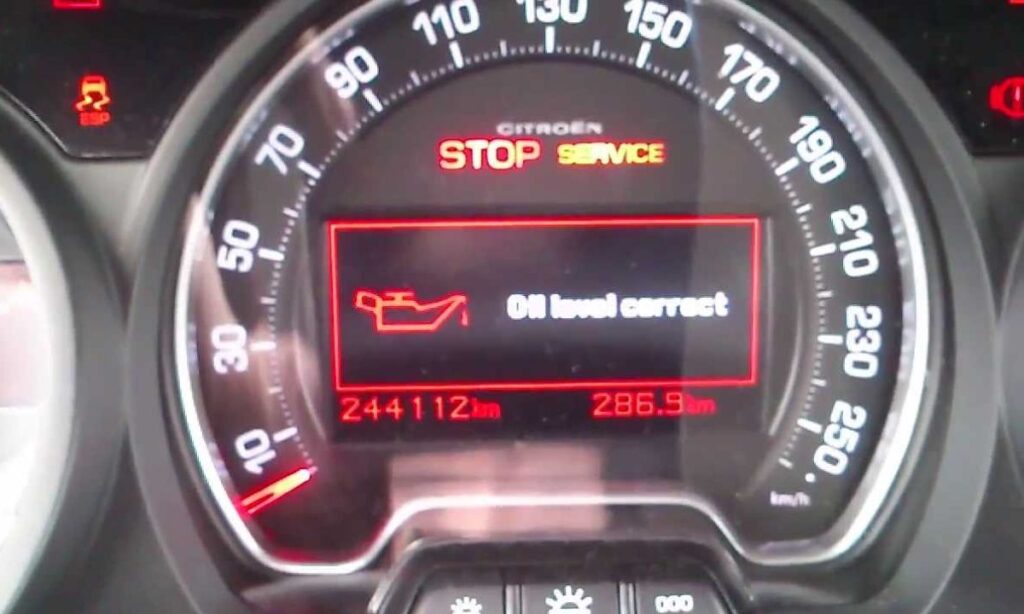
After an oil change on a Citroen, the service indicator stays on until manually cleared. The method depends on the generation and model — newer cars use a button below the instrument cluster display, older ones use the trip reset button, and some require holding a button during ignition start. The reset takes under a minute once you know which method applies.
With Button Below the Display (Berlingo MK3, C4 2021+, C5 X)
Models from 2018 onward with a digital instrument cluster use a button positioned directly below the tachometer or instrument display:
- Start the engine normally.
- Press and hold the button located below the instrument cluster display — it is the first button on the left.
- Hold it for approximately 10 seconds without releasing.
- The service indicator will flash and then go off, confirming the reset.
- Release the button. No ignition cycle is needed — the reset takes effect immediately.
With Button During Ignition Start (Berlingo MK2, C3, C4 2010–2018)
On older Citroen models with a conventional key and a button next to the instrument cluster display:
- Turn the ignition fully off.
- Press and hold the button next to the instrument cluster display — do not release it.
- While holding the button, turn the key to the ON position without starting the engine.
- Keep holding until you hear a beep or the display shows a countdown reaching zero.
- Release the button and turn the ignition off.
- Start the engine to confirm the service light is gone.
The beep or completed countdown confirms the reset. If neither occurs, the button was not held correctly through the ignition sequence — repeat from the beginning.
With Trip Reset Button (C3 2002–2010, C2, C1, Older Models)
Early Citroen models use the trip odometer reset button on the instrument cluster:
- Turn the ignition off completely.
- Press and hold the trip reset button.
- While holding, turn the key to the ACC or ON position.
- Hold the button through the full instrument cluster self-check sequence — approximately 10–15 seconds.
- The service counter will count down to zero and the light will clear.
- Release the button and restart to verify.
On the older C3 specifically, the reset requires holding until the display shows the distance counter reach 0 — releasing too early will not complete the reset.
With Touchscreen Menu (C4 X, C5 X, New C3 2024+)
Newer flagship Citroen models with a large central touchscreen manage the service reminder through the vehicle settings menu:
- Turn the ignition to ON or start the vehicle.
- On the touchscreen, navigate to Settings → Vehicle → Maintenance.
- Select Reset Service Reminder and confirm.
- The system will return the counter to the full service interval.
- Restart to verify the dashboard indicator has cleared.
When the Light Refuses to Reset
If the service light returns immediately after a confirmed reset, or cannot be cleared by any manual method, the issue is typically one of two things:
- A fault code stored in the ECU that requires a diagnostic scan to identify — the service light on newer Citroen models can also signal non-maintenance faults
- An outdated software version on the BSI (Body Systems Interface) module that prevents the reset from registering
On the Grand Picasso and C4 Picasso specifically, a permanently lit service light that does not respond to reset procedures is classified as a major fault requiring dealer diagnosis — not a maintenance reminder. An OBD2 scanner compatible with PSA/Stellantis protocols will read the fault and confirm which system is triggering the indicator.