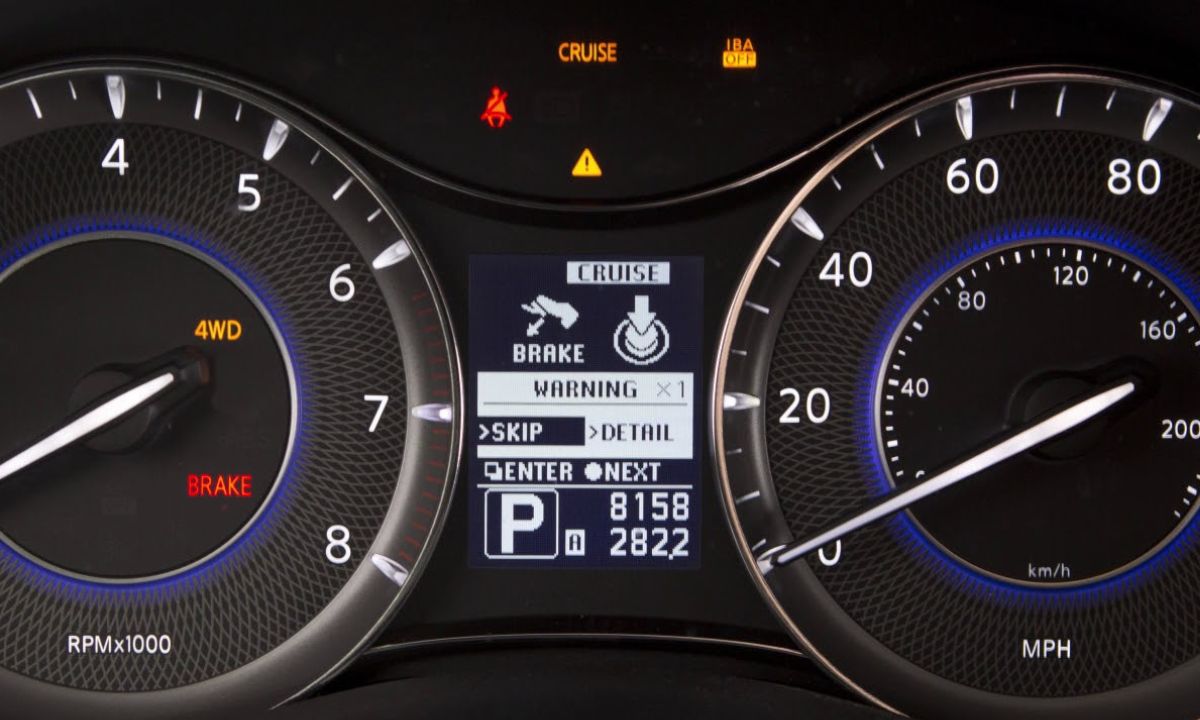
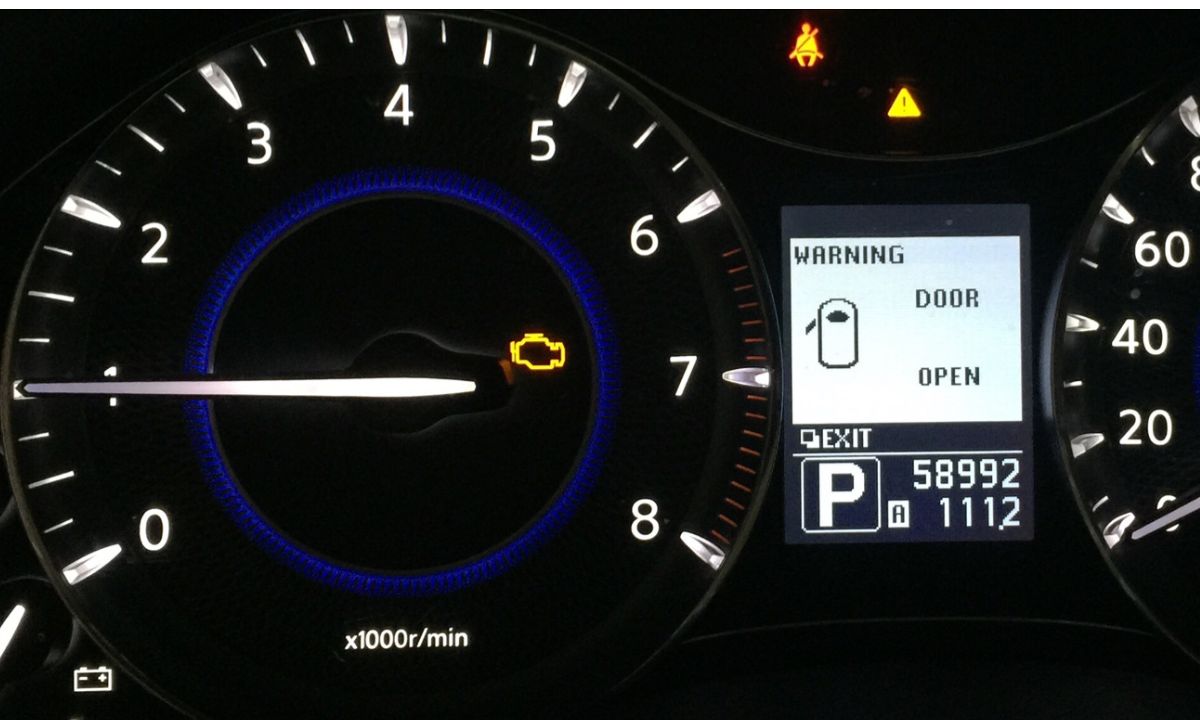
How to Reset the Service Light on Infiniti — All Models Step by Step
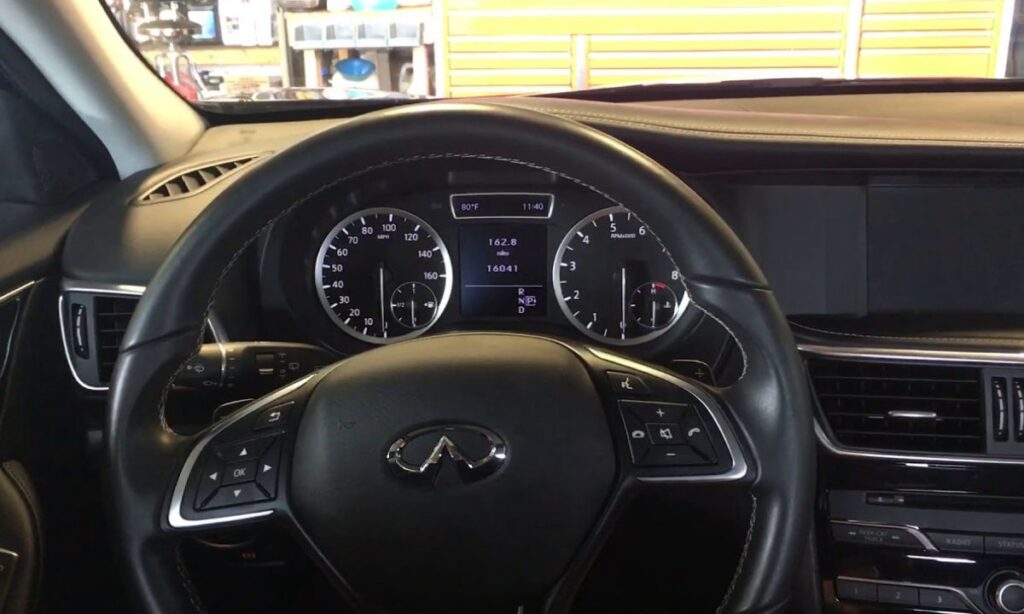
After an oil change on an Infiniti, the maintenance reminder stays on until manually cleared. Infiniti uses two separate systems that can both show a service notification — the instrument cluster maintenance menu and the In-Touch infotainment display. On most models only one of these needs to be reset, but on some QX60 and QX80 variants both systems display their own independent reminders. The procedure takes under two minutes once you know the correct path for your model.
With Steering Wheel Controls and Instrument Cluster
The Q50, Q60, QX50, QX60, QX70, QX80, Q40, and Q70 all use this method as the primary reset. It is the same procedure across the entire current lineup:
- Press the ENGINE START/STOP button twice without pressing the brake pedal — this puts the ignition in the ON/ACC position without starting the engine.
- Press the INFO or MAINTENANCE button on the steering wheel, or navigate to the Maintenance section using the steering wheel scroll controls.
- Scroll to Engine Oil using the UP/DOWN arrows or the centre knob, then press ENTER or OK to select it.
- Select Reset Distance to clear the current mileage counter, or select Interval to adjust the service interval.
- Confirm the reset when prompted.
- Turn the ignition off and restart the engine to verify the maintenance reminder has cleared.
On the Q50 specifically, pressing and holding the phone button while simultaneously pressing the OK button while in the Maintenance menu triggers the reset faster than navigating through the settings path. This shortcut is confirmed in the Q50 owner’s manual and works across all Q50 production years.
With Infotainment Touchscreen (In-Touch System)
Models equipped with the dual-screen or widescreen Infiniti In-Touch system — including the QX60 from 2014 onward and QX80 — can also reset through the lower screen:
- Press the ENGINE START/STOP button twice without pressing the brake pedal.
- Press the MENU button below the lower infotainment screen.
- Tap Settings on the display.
- Select Meter, then Maintenance.
- Tap Oil and Filter.
- Select Reset Distance to clear the current counter.
- Confirm and turn the ignition off, then restart to verify.
On the QX60, the infotainment system also has a separate Tire Rotation and Other Maintenance reminders in the same menu. If the maintenance light returns after resetting the oil counter, check whether one of these secondary reminders is active — they require separate resets.
With Center Console Display (2014 Q50 and Early QX Models)
Earlier Q50 variants and some QX models use the center console display rather than the upper infotainment screen:
- Press the ENGINE START/STOP button twice without pressing the brake pedal.
- Press the MENU button on the lower center console display.
- Select Settings from the menu screen.
- Select Meter.
- Select Maintenance.
- Choose the maintenance item to reset — Oil and Filter, Tire Rotation, or Other.
- Select Reset Distance and confirm.
- Turn the ignition off and restart to verify.
With Phone Button Shortcut (Q50 2014–2024)
The Q50 supports a faster reset method that bypasses the full menu navigation:
- Turn the ignition to ON without starting the engine.
- Navigate to the Maintenance display in the instrument cluster using the steering wheel controls.
- Press and hold the phone button on the steering wheel.
- While holding the phone button, press the OK button.
- The maintenance counter will reset immediately.
- Turn the ignition off and restart to confirm.
This shortcut only works when the instrument cluster is already showing the Maintenance or Oil Life screen — it will not trigger from other display pages.
Why the Light Returns After Reset
If the maintenance light reappears after a confirmed reset, there are three common explanations. First, the QX60 and QX80 have separate maintenance counters in both the instrument cluster and the infotainment system — resetting one does not clear the other. Second, a secondary reminder for tire rotation or general inspection is active and needs its own reset through the Maintenance menu. Third, a fault code stored in the ECU is triggering the warning independently of the oil life counter — in this case, the light will return within a short distance regardless of resets, and an OBD2 scan is the correct next step.