
Mitsubishi Maintenance Light Reset: How to Clear the Wrench Icon After a Service
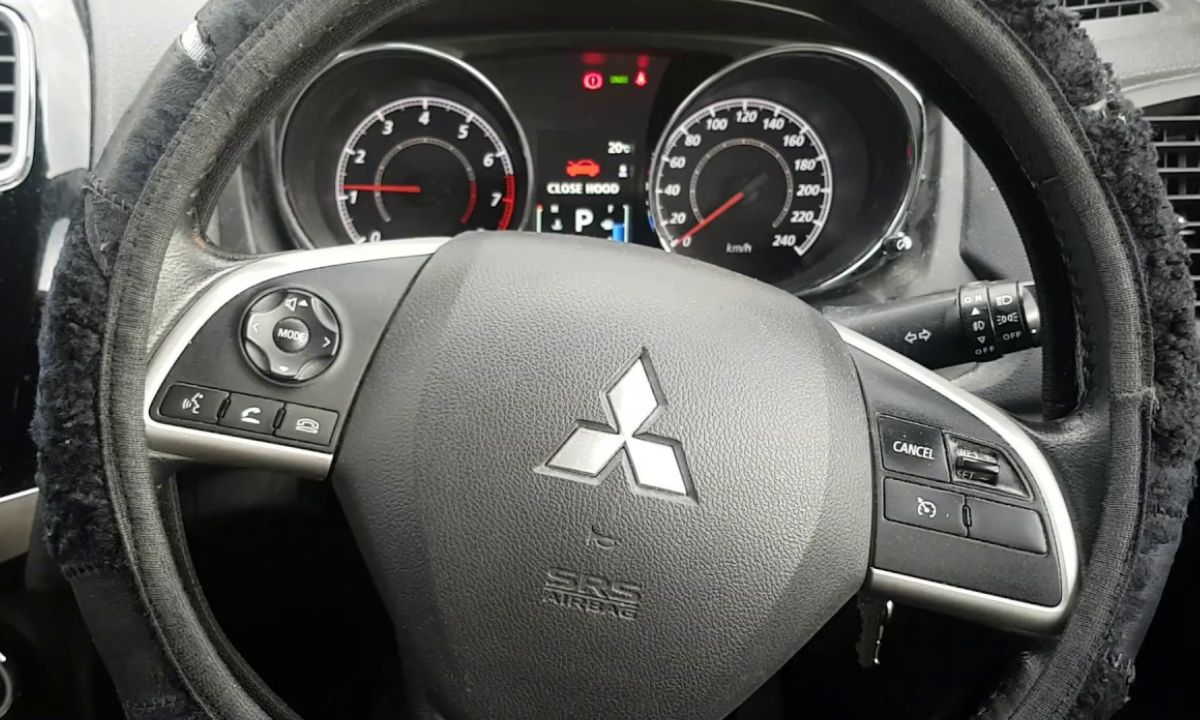
After an oil change on a Mitsubishi, the “Routine Maintenance Required” message and wrench icon stay on until manually cleared. The reset process uses a single multi-information button on the instrument cluster — the same button you use to cycle through trip information. Since the procedure is the same across most Mitsubishi models, including the Outlander, Eclipse Cross, ASX, RVR, Lancer, and Mirage, it is straightforward once you understand the button timing.
Standard Reset — Multi-Information Button
This method works on most current and recent Mitsubishi models including the Outlander from 2013 onward, Eclipse Cross, ASX, RVR, and Mirage:
- Turn the vehicle completely off — ignition to OFF, not just accessory.
- Locate the INFO or multi-information button on the instrument cluster. On most models, it is positioned on the left side of the dashboard near the left air vent, or directly on the cluster itself. The button typically shows a folder icon or the word INFO.
- With the ignition still off, press the INFO button repeatedly until the maintenance screen appears on the cluster display. The wrench icon should become visible.
- Press and hold the INFO button for approximately 2 seconds or more until the wrench icon begins to flash.
- While the icon is flashing, press the INFO button once quickly — a short single press, not a hold.
- The display changes from “– – –” to “CLEAR”, confirming the reset has been accepted.
- Start the engine to verify the maintenance reminder has cleared.
The key timing detail is step 5 — the brief press must happen while the wrench is still flashing. Pressing too late after the flash stops requires restarting the sequence from the beginning.
Eclipse Cross Button Location
The Eclipse Cross (2018 onward) uses the same single-button reset method, however the button location differs from the Outlander. On the Eclipse Cross, the reset button is located on the left side of the dashboard next to the steering wheel rather than near the air vent. The procedure is otherwise identical — press to navigate to the maintenance screen, hold to flash the wrench icon, then press briefly to confirm the clear.
What the System Tracks
Mitsubishi’s maintenance reminder is a fixed interval counter rather than an oil life algorithm. It counts mileage and time from the last reset, then triggers the reminder at the set interval — typically 7,500 miles or 6 months on most petrol models, or 15,000 km or 12 months on models with longer service schedules.
When you reset the reminder, the system adds the standard interval to the current counter rather than resetting to zero from the current mileage. This means if the reset is performed late — for example, 1,000 miles past the due point — the next reminder will appear 1,000 miles earlier than expected, since the system accounts for the overdue distance. This behaviour is by design and is documented across Mitsubishi owner forums as the standard way the counter operates globally.
When the Wrench Icon Does Not Flash
If the wrench icon appears but does not flash when you hold the INFO button, the most likely cause is that no maintenance reminder is currently active in the system. The reset only becomes available when the counter has reached zero or triggered a reminder — if the vehicle was recently serviced and the reminder was already cleared, the system will not offer a reset option.
If the light persists after following the correct procedure, or the icon refuses to clear after multiple attempts, the issue is typically either an overdue “extra reminder” set by the previous dealer visit — which can only be cleared with Mitsubishi’s MUT-III scanner — or a fault code stored in the ECU that is triggering the warning independently of the maintenance counter. In either case, connecting an OBD2 scanner with Mitsubishi-specific coverage will identify the cause.

