Jaguar Oil Service Reset: How to Clear the Reminder on Every Model
Jaguar uses different reset procedures depending on the generation and model — and some of them are genuinely awkward, requiring specific button timing that takes several attempts to get right. The F-Pace, XE, and newer XF use a brake-and-throttle combination with the bonnet open. Older XF models use a fog lamp and trip stalk sequence that must be completed in under three seconds. Here is what works on each generation, based on confirmed procedures from owner forums and service documentation.
With Bonnet, Brake, and Throttle
This method covers the F-Pace (X761), XE (X760), and the X260 XF from 2016 onward. It also works on the E-Pace and I-Pace in some configurations:
- Open the bonnet fully.
- Open the driver’s door.
- Press the Engine Start/Stop button without pressing the brake pedal — this puts the ignition in ON position without starting the engine.
- Press and hold the brake pedal fully.
- While holding the brake, press and hold the accelerator pedal fully to the floor.
- Hold both pedals simultaneously for at least 10 seconds.
- The instrument cluster will display a message confirming the service interval has been reset — typically showing the new mileage until next service.
- Release both pedals, turn the ignition off, and restart to verify.
Forum owners on the F-Pace forum note that pressing the brake first, then adding the accelerator, works more reliably than pressing both simultaneously. If the reset does not register, repeat with the bonnet already open from the beginning — the bonnet open condition is required for this method to work.
With Fog Lamp and Trip Stalk
This method applies to the second-generation XF and the contemporary XJ. It requires speed — the entire sequence from step 1 to step 5 must be completed in approximately 3 seconds, which typically takes several practice attempts:
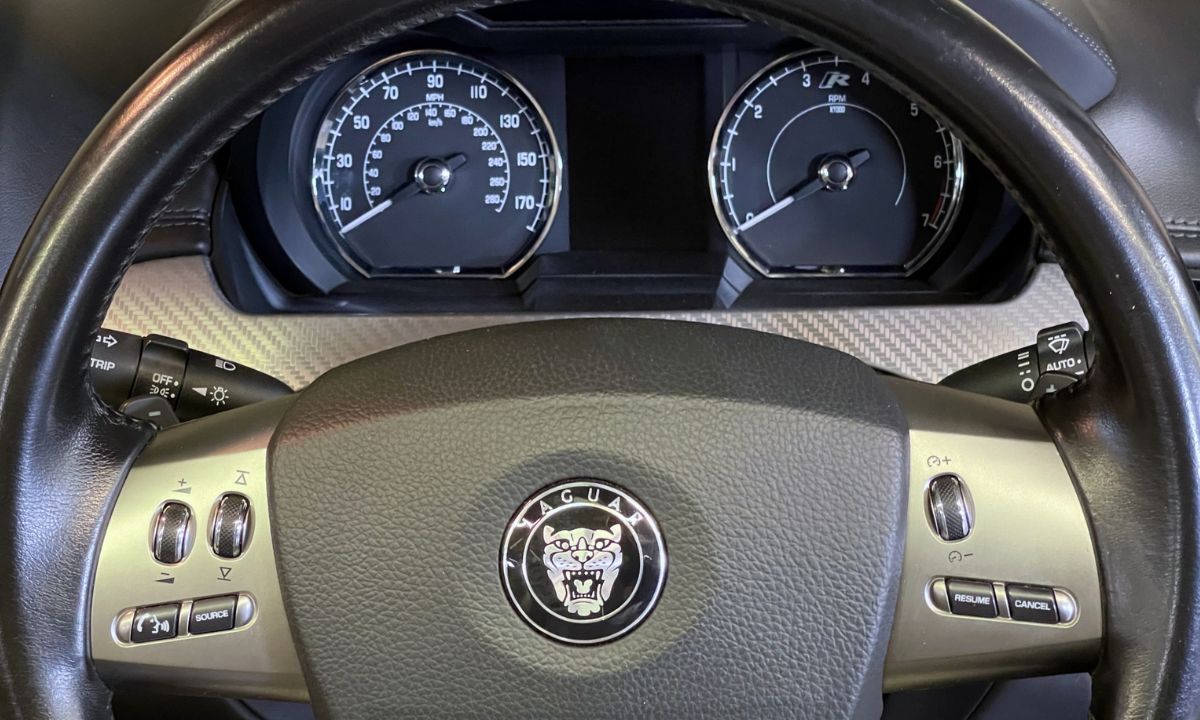
- With ignition completely off, press and hold the rear fog lamp switch — located below the dashboard to the left of the steering wheel on right-hand drive cars, to the right on left-hand drive.
- While holding the fog lamp switch, press the Start/Stop button without touching the brake pedal to switch the ignition on.
- Release the fog lamp switch immediately.
- Press and hold the trip computer button at the end of the left indicator stalk.
- Press and hold the fog lamp switch again while still holding the trip button.
- Continue holding both switches. The instrument cluster will display “RESETTING SERVICE MODE.”
- Hold for approximately 10 seconds until “SERVICE MODE RESET” appears.
- Release both switches and turn the ignition off.
Most owners report needing 5 to 20 attempts before completing the sequence quickly enough. Memorising the steps and practising the hand positions before beginning significantly reduces the attempt count. If the “RESETTING” message appears but “SERVICE MODE RESET” does not, the buttons were released too early — repeat and hold longer.
Via Steering Wheel Menu
The F-Type and models with Jaguar’s InControl infotainment allow a menu-based reset:
- Turn the ignition to ON without starting the engine.
- Press the Menu button on the steering wheel.
- Navigate to Vehicle or Settings using the steering wheel controls.
- Select Service or Oil Change.
- Press and hold the OK or confirm button until the reminder clears.
- Turn the ignition off and restart to verify.
Why the Reset Sometimes Fails to Hold
Several F-Pace owners have reported the service reminder returning within 24 hours despite an apparent successful reset. This typically means one of two things: the reset sequence was not fully completed — the counter appeared to clear but the confirmation message was not displayed — or the vehicle has a separate time-based service reminder that runs independently of the mileage counter. On the F-Pace specifically, there are two service counters: one for mileage and one for time elapsed. Both need to show a future date after the reset for the reminder to stay clear.
If the reminder returns consistently despite confirmed resets, the vehicle likely needs a full diagnostic reset performed with Jaguar’s SDD (Symptom Driven Diagnostics) software or a compatible aftermarket tool such as the iCarsoft i930 — these tools can reset both counters simultaneously and confirm the service data is correctly written to the BCM.