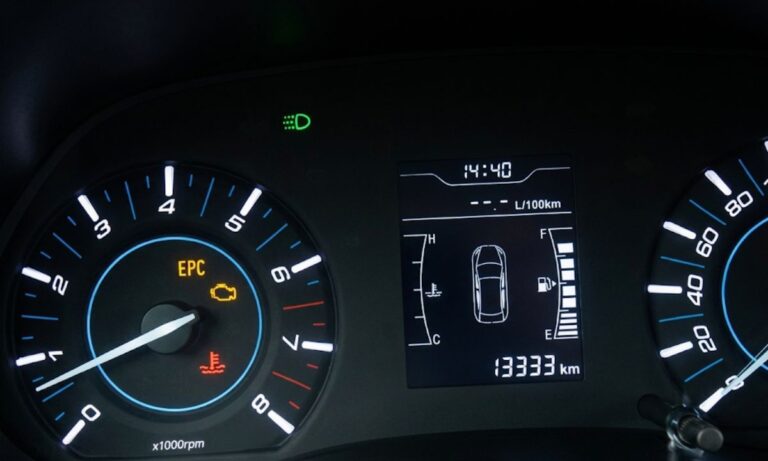
Chery Oil Change Light: How to Clear the Wrench Icon After a Service
The service reminder light on Chery vehicles — displayed as a wrench icon on the dashboard — does not reset automatically after an oil change. It needs to be cleared manually. The exact procedure depends on which interface your model has. Newer Tiggo and Arrizo models use a touchscreen or steering wheel menu, while older models use a physical trip reset button or a key sequence without starting the engine.
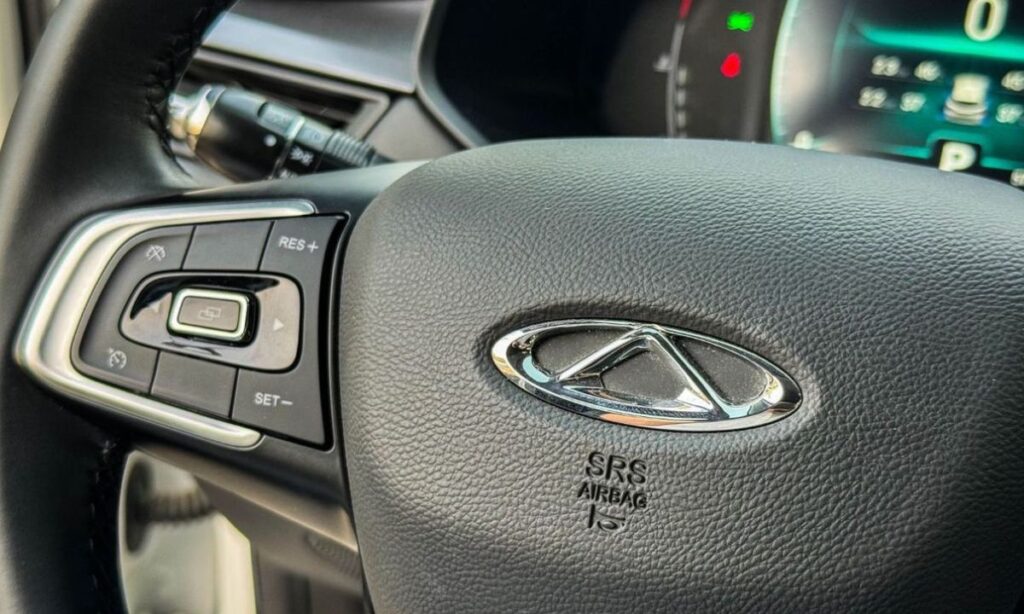
With Steering Wheel Menu Button (Tiggo 5X, Tiggo 7, Tiggo 8, Arrizo)
This method applies to models with a menu navigation button on the steering wheel and a multi-information display in the instrument cluster:
- Turn the ignition off and make sure the engine is stopped.
- Press and hold the Menu button on the steering wheel.
- While holding the button, press the engine start button or turn the key to the ON position — do not start the engine.
- Keep holding the Menu button through the self-check sequence, approximately 5 seconds.
- The maintenance reminder light will flash and then go off.
- Release the button, then restart the engine to confirm the light is cleared.
If the light returns after restarting, repeat the process and hold the button for a full 5 seconds past the point where the display finishes its startup sequence.
With Trip Reset Button (Older Tiggo, Arrizo, J3)
Older Chery models use the trip odometer reset button on the instrument cluster:
- Turn the ignition off completely.
- Press and hold the trip reset button — do not release it.
- While holding the button, turn the key to the ACC or ON position without starting the engine.
- Hold the button for 10 seconds. The wrench symbol will flash and disappear.
- Turn the ignition off, then start the engine to verify the reset.
On the Chery J3 specifically, this is the primary reset method and works consistently across all model years sold in export markets.
With Touchscreen Menu (Tiggo 8 Pro, Tiggo 9, Arrizo 8)
Newer flagship models manage the service reminder through the central touchscreen:
- Start the vehicle or turn ignition to ON.
- On the touchscreen, go to Settings → Vehicle → Maintenance Reminder.
- Tap Reset to clear the current mileage counter.
- Confirm when prompted. The display will return to the default service interval.
- Restart to verify the dashboard light is off.
Some models in this category also allow adjusting the reminder interval — the default is typically 5,000 km, which can be extended to 7,500 km on vehicles using full synthetic oil if the owner’s manual confirms this for the specific engine.
With Key and Dashboard Button (Very Old Models)
On early Chery models without electronic menus:
- Turn the engine off.
- Press and hold the small reset button on the dashboard near the instrument cluster.
- Turn the key to ACC position while still holding the button.
- Wait 20–30 seconds until the wrench symbol flashes and disappears.
- Release the button and start the engine to confirm.
Why the Light Comes Back
If the service light returns within a few hundred kilometres after being reset, the issue is not the reminder system. A returning light typically means a fault code is stored in the ECU — this requires an OBD2 scan to identify the specific fault rather than another reset attempt. Repeatedly resetting without diagnosing the underlying cause will not resolve the problem.
The wrench symbol on Chery vehicles represents scheduled maintenance due — not a mechanical fault. Resetting it without completing the oil change only delays the reminder while the old oil continues to degrade.