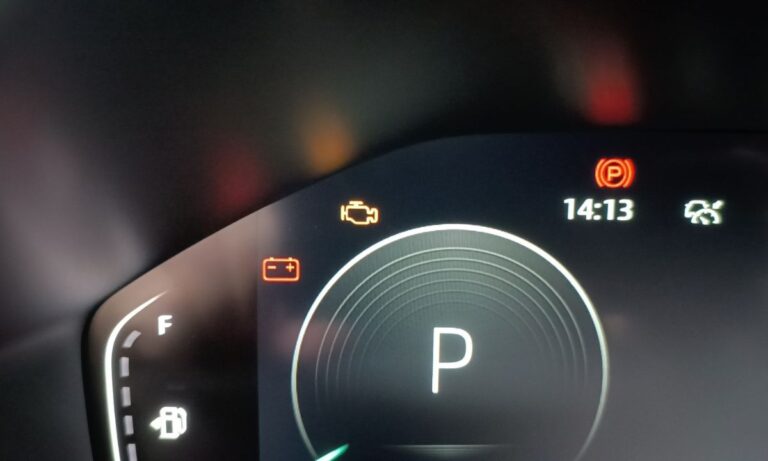
How to Reset the Oil Change Light on Changan
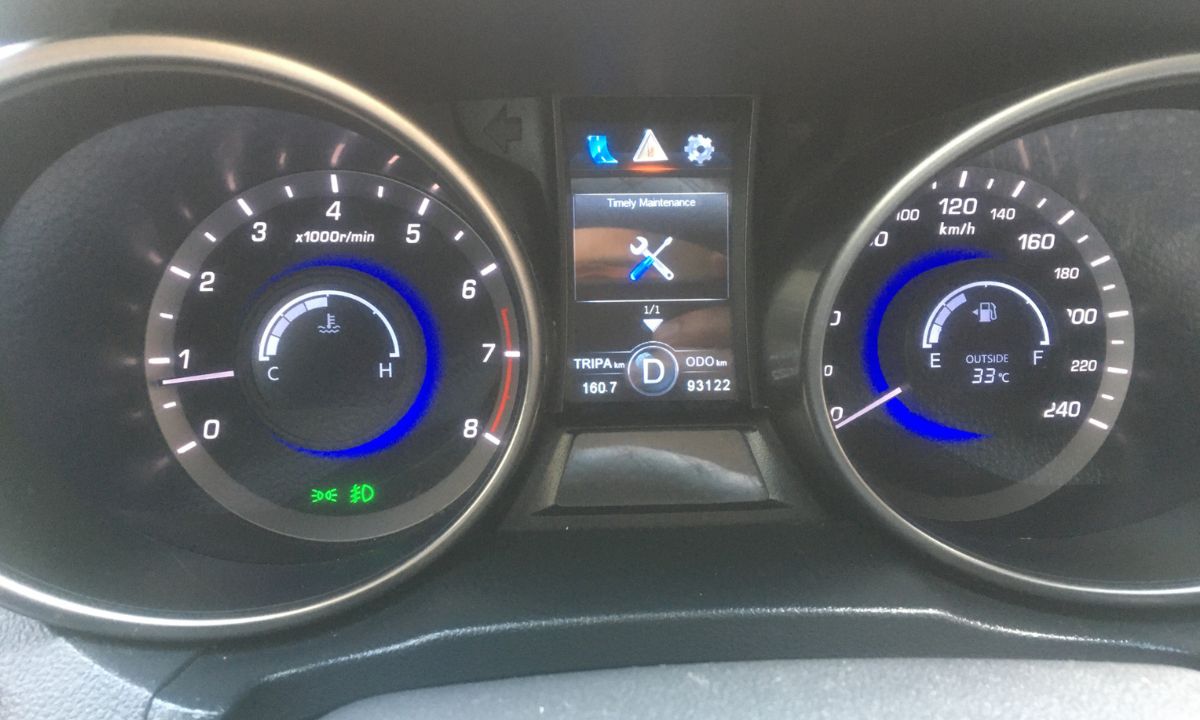
After an oil change on a Changan vehicle, the maintenance reminder stays on until it is manually reset. The procedure depends on which type of interface your model has — older models use a physical button on the dashboard or steering wheel, while newer models with a touchscreen handle it through the settings menu. The reset does not happen automatically regardless of whether the oil was changed at a dealer or independently.
With Touchscreen Infotainment (CS55 Plus, CS75 Plus, UNI-T, UNI-K)
Models with a central touchscreen use the vehicle settings menu to manage the maintenance reminder. The steps are the same across most current Changan models with this interface:
- Start the vehicle or turn the ignition to the ON position.
- On the touchscreen home screen, tap the Vehicle Settings icon.
- Navigate to Maintenance or Maintenance Reminder.
- Tap Reset to clear the current counter and restore the default interval.
- The system will confirm the reset and the reminder light will go off.
Some models also allow you to adjust the reminder interval in months or kilometres from this same menu. This is useful if you use a different oil change schedule than the factory default.
With Steering Wheel Buttons and Dashboard Display
Older Changan models and some current entry-level variants use steering wheel controls to navigate the instrument cluster menu:
- Turn the ignition to the ON position without starting the engine.
- Use the up/down navigation buttons on the steering wheel to scroll through the instrument cluster menu.
- Find the Maintenance Reminder or Service section.
- Press and hold the confirm or OK button for several seconds until the counter resets.
- Turn the ignition off, then restart the engine to confirm the light is gone.
If the reminder returns immediately after restart, the reset did not complete — repeat the process with the ignition off for at least 30 seconds before trying again.
With Dashboard Button (Older CS75, CS35, CS15)
Early Changan models without a touchscreen or steering wheel menu navigation use a physical reset button on the instrument panel or near the steering column:
- Turn the ignition to ON without starting the engine.
- Press and hold the small reset button on the dashboard for 5–10 seconds.
- The maintenance reminder indicator will flash and then go off, confirming the reset.
- Turn the ignition off and restart to verify.
On some of these older models, the reset can also be triggered by inserting the key, turning to the ON position, and immediately pressing the accelerator pedal twice within five seconds — similar to the method used on older GM vehicles. If the button method does not work, try this alternative.
What the Maintenance Reminder Tracks
Changan’s maintenance reminder system counts distance or time from the last reset, depending on which triggers first. The default interval on most petrol models is 5,000 km or 6 months. On Blue Whale NE-equipped vehicles from 2020 onward, the system can also be set to 7,500 km intervals if using full synthetic oil, as noted in the owner’s manual for the CS75 Plus and CS55 Plus.
The reminder does not measure oil condition directly — it counts mileage from the last reset point. This means resetting without changing the oil simply delays the warning while the old oil continues to degrade. Always perform the reset immediately after the oil change, not before.
If the service light returns within a few hundred kilometres of being reset, the issue is not the reminder system — it is more likely a fault code stored in the ECU that requires a diagnostic scan to identify.